OSD Menu
12
OSD Menu
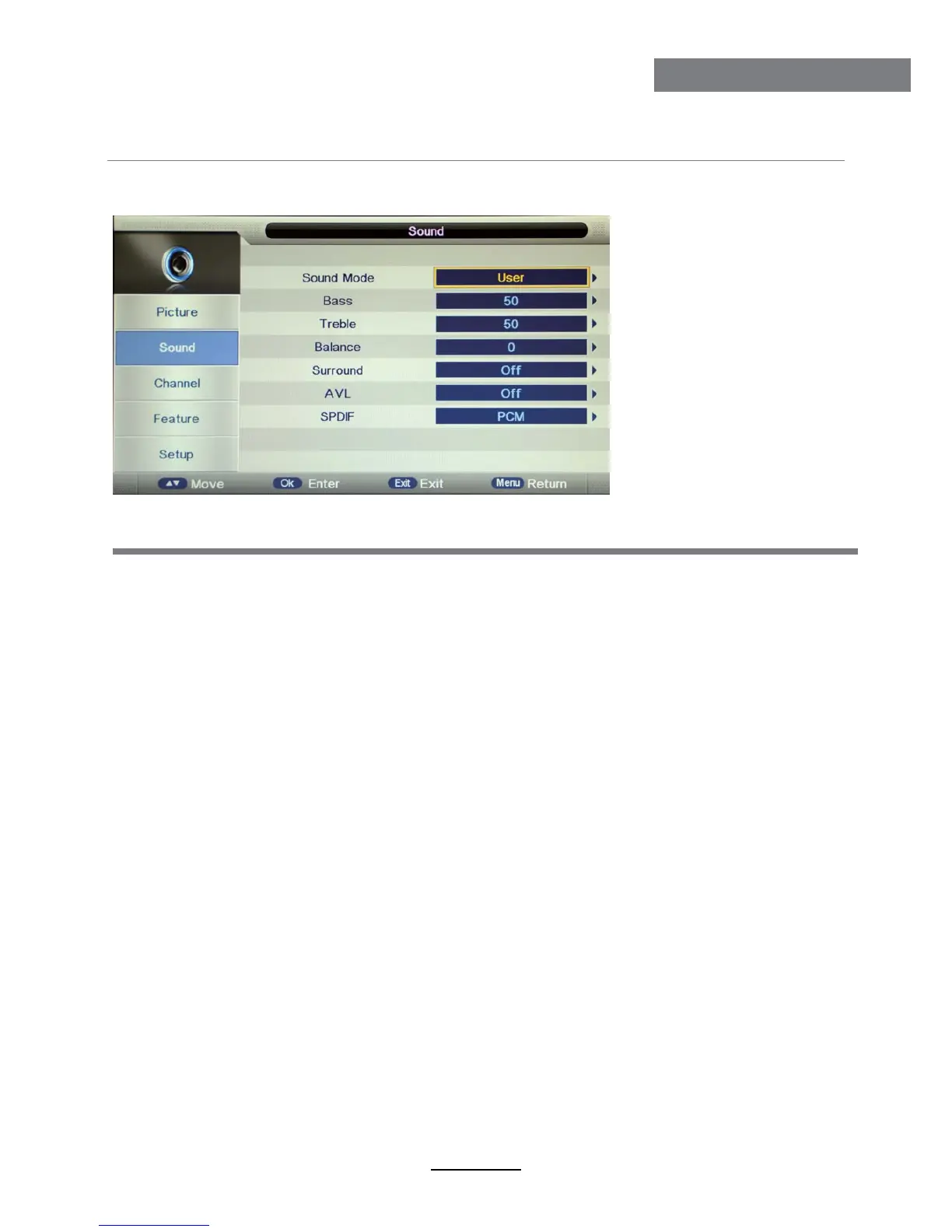
2. Sound menu
Description
Sound Mode: Select your desired sound mode from Standard, Movie, Music, Speech and User.
Bass: Adjust the level of the lower-pitched sounds.
Treble: Adjust the level of the higherpitched sounds.
Balance: Adjust the audio output between left and right speakers.
Auto Volume Level (AVL): The volumes of all sources will be maintained when the function’s on.
SPDIF: Select the spdif mode for the TV from off, PCM and Auto.
Surround: Turn on/off the surround sound function.



 To Next Page