Product Introduction
Product Introduction
4
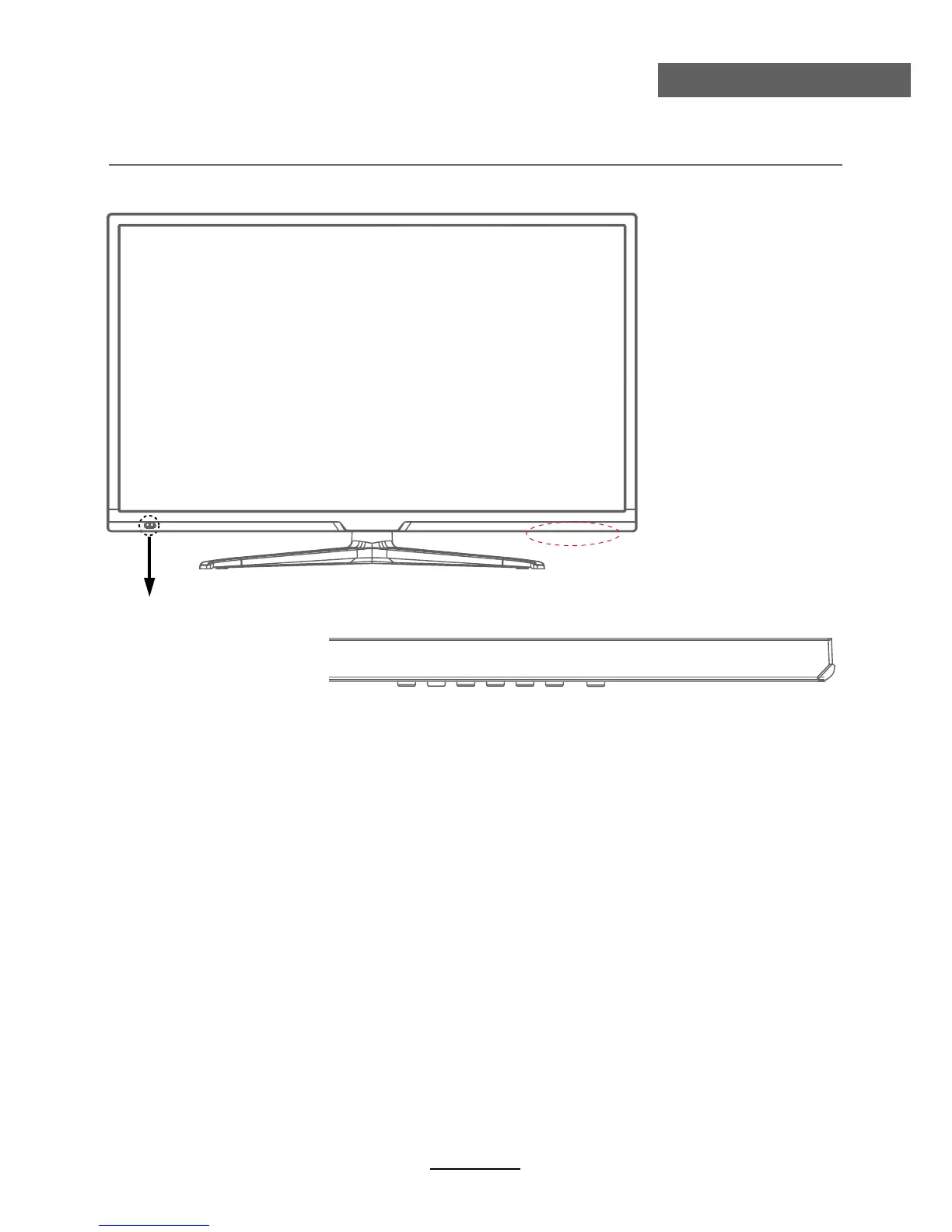
Front View
The functions of the TV buttons are described below.
MENU: Press to display the OSD menu, Press again to exit the menu.
CH+/CH-: Press to scan through channels.
They are also can be used to move down/up in the OSD menu screen.
VOL+/VOL-: Press to adjust the volume.
They are also can be used to move left/right in the OSD menu screen.
VOL+ button can be used to skip forward to next menu.
INPUT: Press to select the source.
POWER: Turn on/off the TV set.
LED indicator Remote Control window(keep clear)
INPUT MENU CH- CH+ VOL- VOL+ POWER



 To Next Page