EasyManua.ls Logo

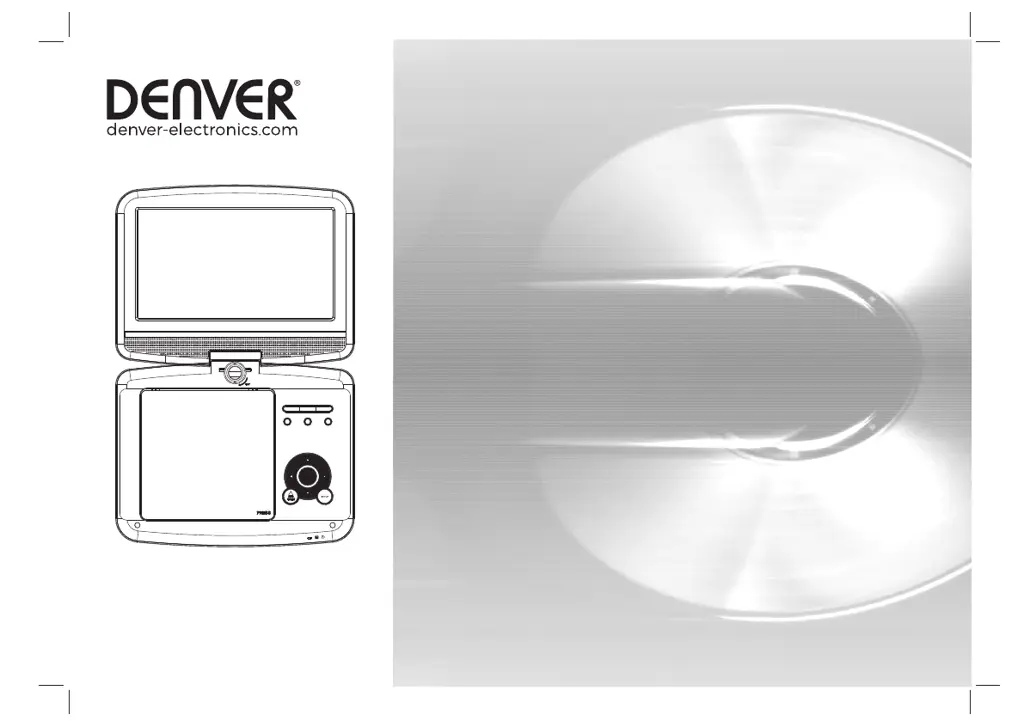
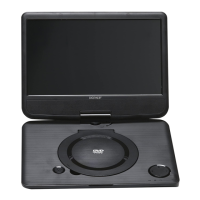
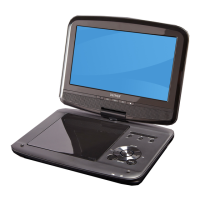
Denver MT-980T2H - User Manual

Denver MT-980T2H
168 pages
Print Icon
To Next Page IconTo Next Page
Loading...
Before connecting, operating or adjusting this product,
facebook.com/denverelectronics
please read this user's manual carefully and completely.
USER'S MANUAL
MT-980T2H
PORTABLE DVD

Questions and Answers

  • C
    christopherrichardsAug 10, 2025
    What to do if the Denver MT-980T2H remote control is not responding?
    • E
      Erin HarrisAug 10, 2025
      If the remote control for your Denver Portable DVD Player isn't responding, the battery may be exhausted. Try changing the battery. Also, make sure the remote control is facing the unit and is close enough.
  • R
    Richard HoltAug 20, 2025
    What to do if Denver MT-980T2H screen shows 'No Signal'?
    • S
      Stephen MyersAug 20, 2025
      If your Denver Portable DVD Player screen displays 'No Signal', ensure the DVB-T cable is properly connected. If it is, try resetting the settings, as they may be incorrect.
  • J
    Jenna GilbertAug 31, 2025
    What causes the image on my Denver Portable DVD Player to stop suddenly or become mosaic?
    • V
      Victor EspinozaAug 31, 2025
      If the image on your Denver Portable DVD Player stops suddenly or becomes mosaic, the signal may be too weak. Try to strengthen the signal.

Denver MT-980T2H Specifications

General IconGeneral
Image FormatsJPEG
Resolution800x480
Supported FormatsDVD, CD, MP3, JPEG
ConnectivityUSB
Media SupportDVD, CD, USB
Audio FormatsMP3
Audio OutputBuilt-in speakers
Headphone Jack3.5 mm

Related product manuals