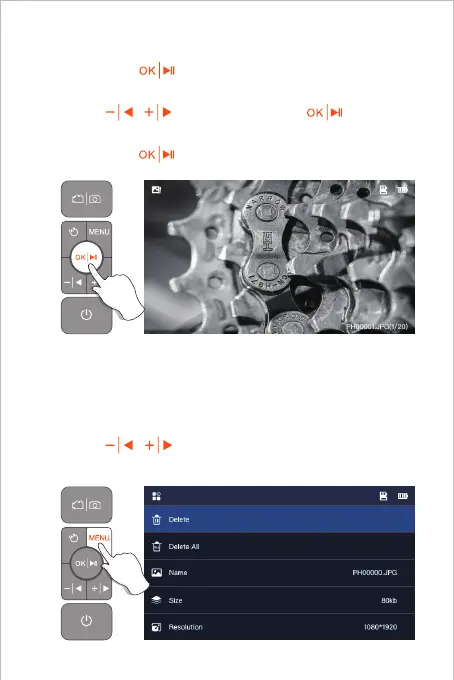
1. When viewing photos/videos, press MENU to enter the
photo/video detail page.
2. Press / to choose to delete the current file or
all files.
1. Long press in preview mode to enter the photo
album.
2. Press / to view photos, Click to play
videos.
3. Long press to exit the photo album.
05
View photo/video
Delete photos/videos



 To Next Page