- 06 -
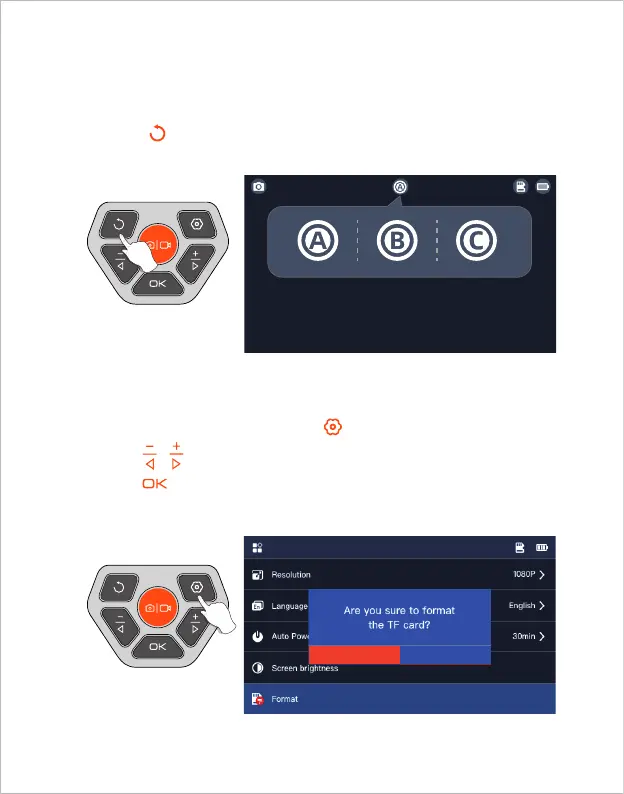
When the product is turned on, it opens the main lens by default, long
press the button 2s can switch the lens (Main Lens - Side Lens - Split
Screen - Main Lens)
1. On the preview interface, press the button to enter the menu;
2. Press / to select “Format” options;
3. Press to enter the option interface, Select “OK”;
4. Wait for the formatting to complete.
Lens Switching
TF Card Formatting
(Only available for dual and triple lens products)
OK Cancel



 To Next Page