- 26 -
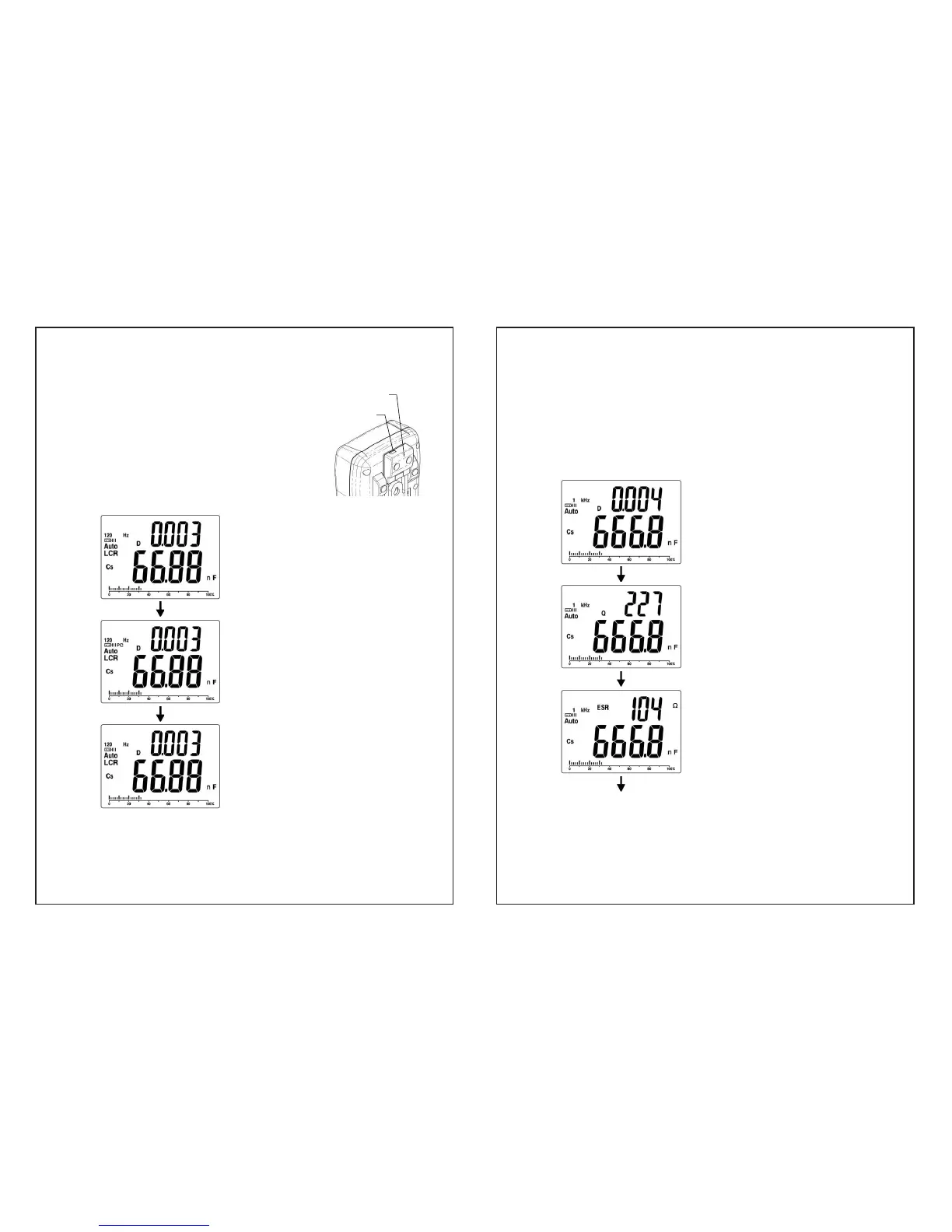
IR to USB case
USB socket
8. PC
(IR to USB case is optionel. Measuring
data can be transferred to PC with it. )
y Snap on IR to USB case and connect
with USB cable to PC.
y Press “ PC ” key to start data
transmission, and the “PC” will appear on
display. Press the “ PC ” key again to
cancel the transmission.
Display the measurement reading
Press “ PC ” key
PC communication is active.
“PC” will appear on the display
Press “ PC ” key
“PC” disappear on the display
when PC communication is
inactive
- 27 -
9. D/Q/ESR/ș
y In LCR Auto mode, this key has no function
y The “D/Q/ESR/ș ”key selects the secondary parameter
measurement function. Each press of the key will select
either dissipation (D), quality (Q), ESR or phase angel (ș).
Example : In Cs testing mode
Secondary display parameter is
D.
Press “ D/Q/ESR/ș ” key
Secondary display parameter is
Q.
Press “ D/Q/ESR/ș ” key
Secondary display parameter is
ESR.
Press “ D/Q/ESR/ș ” key

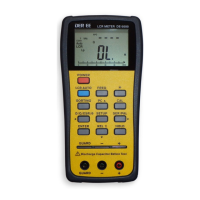

 To Next Page