OPERATION
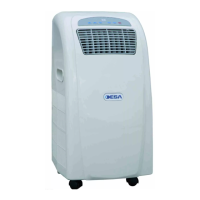
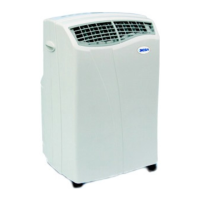
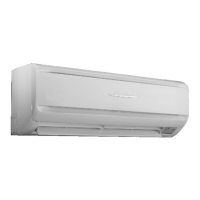
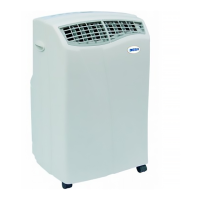
The air conditioner unit should be operated and set using the remote control
provided. Each time a button is pressed the unit will sound to confirm the
signal has been received
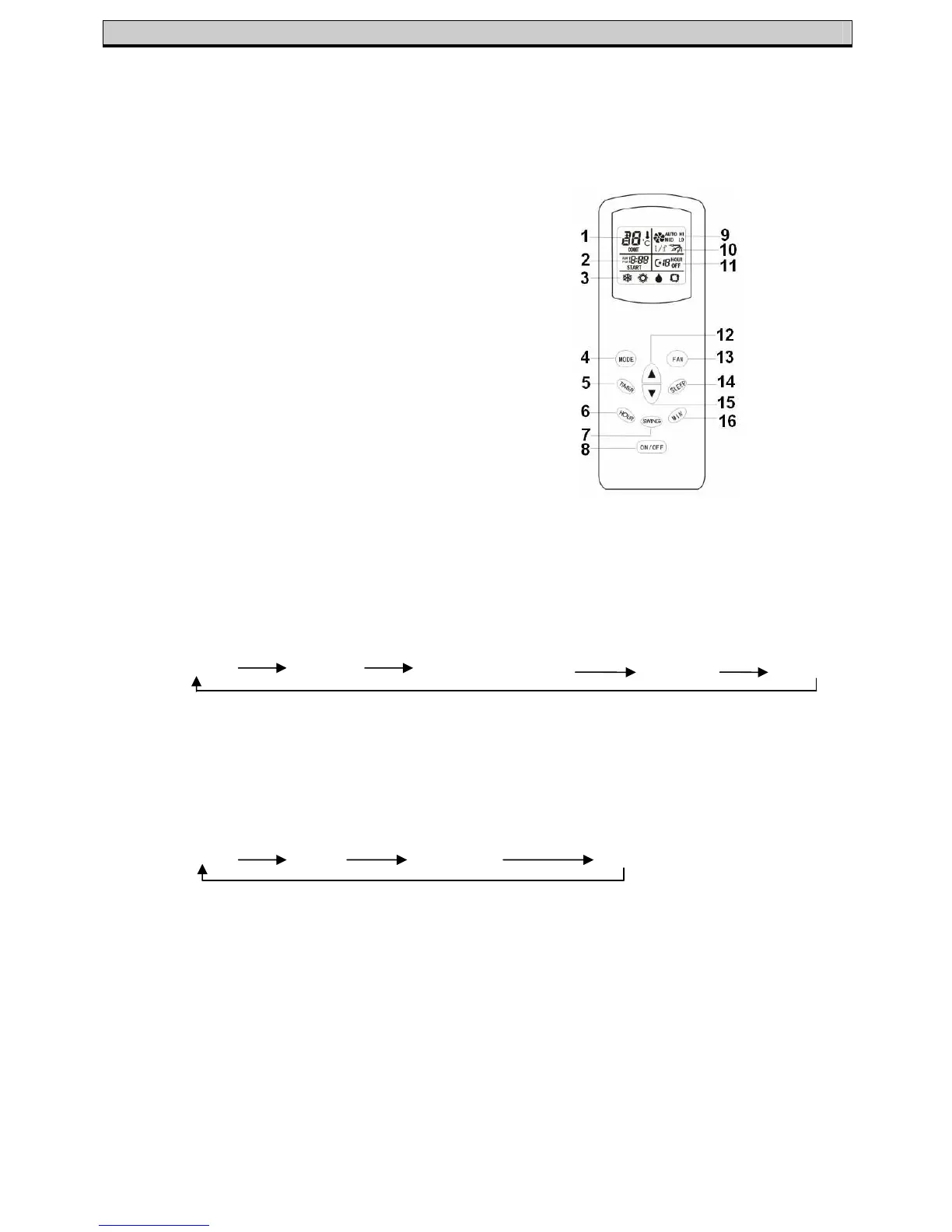
• To change the function, press the ‘Mode’ button (4) repeatedly, until the
desired function is reached
AUTO COOL DE-HUMIDIFY FAN HEAT
• The required room temperature is adjusted using the ‘Up’ and ‘Down’
arrows (12&15)
• To change the fan speed, press the ‘Fan’ button (13) repeatedly, until the
desired function is reached
AUTO LOW MEDIUM HIGH
• The direction of the airflow can be adjusted using the ‘Swing’ button (7)
• The timer can be set/cancelled by pressing the ‘Timer’ button (5)
• The sleep mode can be set/cancelled by pressing the ‘Sleep’ button (14)
• The current time can be set using the ‘Hour’ (6) and ‘Min’ (16) buttons
• The unit can be switched on or off by using the ‘On/Off’ button (8)
Please Note – When the Required Temperature is less than 18
o
C or greater
than 30
o
C, ‘CONT’ will be displayed on the remote control and the unit will
operate continuously
1. Set Temperature display
2. Clock display
3. Mode(function) display
4. Mode(function) button
5. Timer button
6. Hour setting for timer/clock
7. Airflow direction (Swing)
button
8. Power button
9. Fan speed display
10. Airflow direction display
11. Sleep/Timer display
12. Temperature increase
13. Fan Speed
14. Sleep button (on/off)
15. Temperature decrease
16. Minute setting for timer/clock


 To Next Page