11 / 43
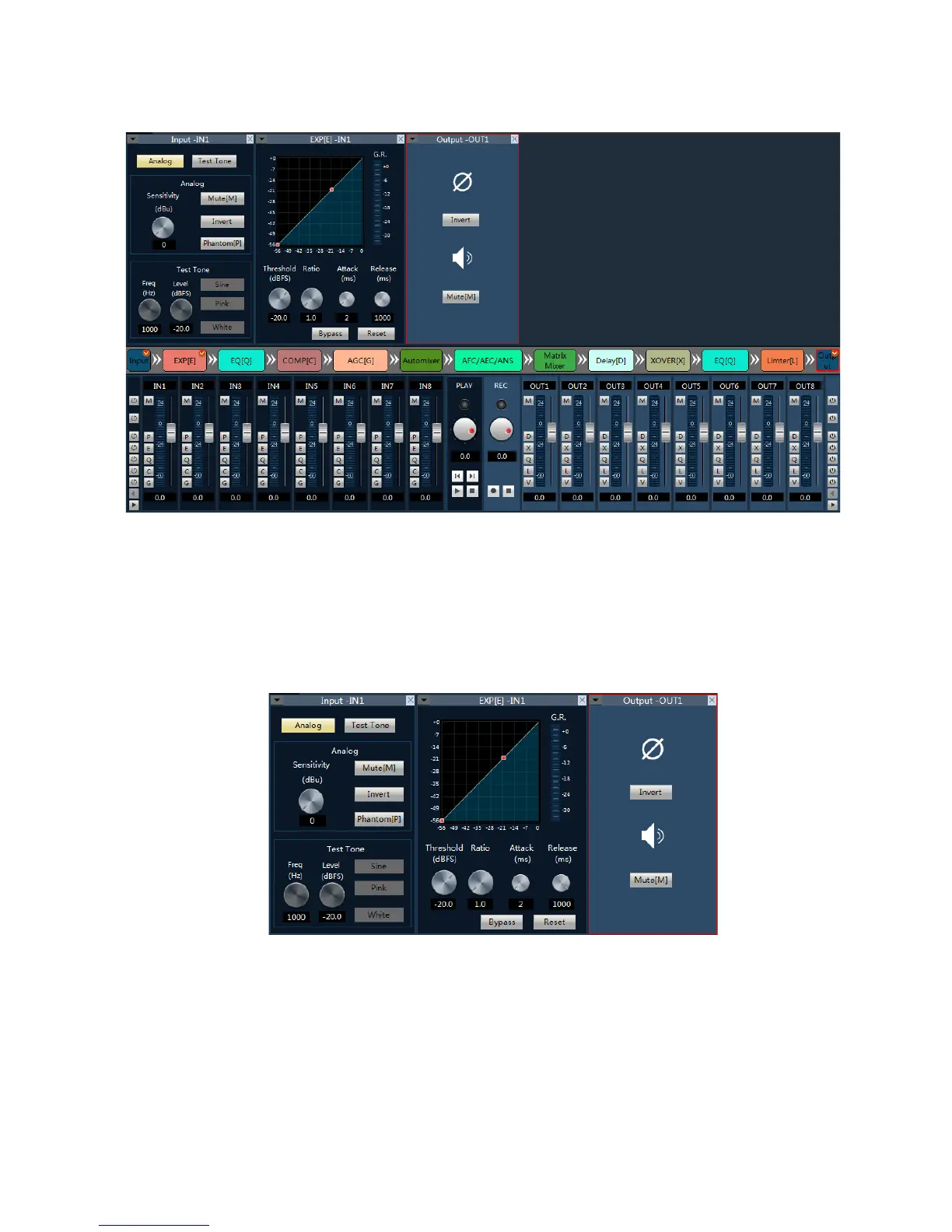
Double-click on the window of 3 processor, can open/close the window 2 corresponding control module,
such as double click on the "input/expander/output" :
Pictured above, "input" and "extension", "output" set interface according to the flow chart of order 2 in the
window, at the same time is open in the window 3 processor will with red check mark in the upper right-hand
corner; Such as the selected processor as output, the corresponding window 3 modules will box marked in red.
Already open detailed parameter setting module, can double-click in the flow chart of the module is closed
the corresponding parameter Settings interface in detail.
Identified in the upper part of the detailed Settings window area, display the current control of the channel
number, have shown above, input and output channels of 1 parameter.



 To Next Page