10 / 43
5. The equipment list and scene control: controlling the current scene and the current line equipment display
equipment.
6. The status bar: display the current connection equipment login user name, IP, GPIO state, the scene the
download progress.
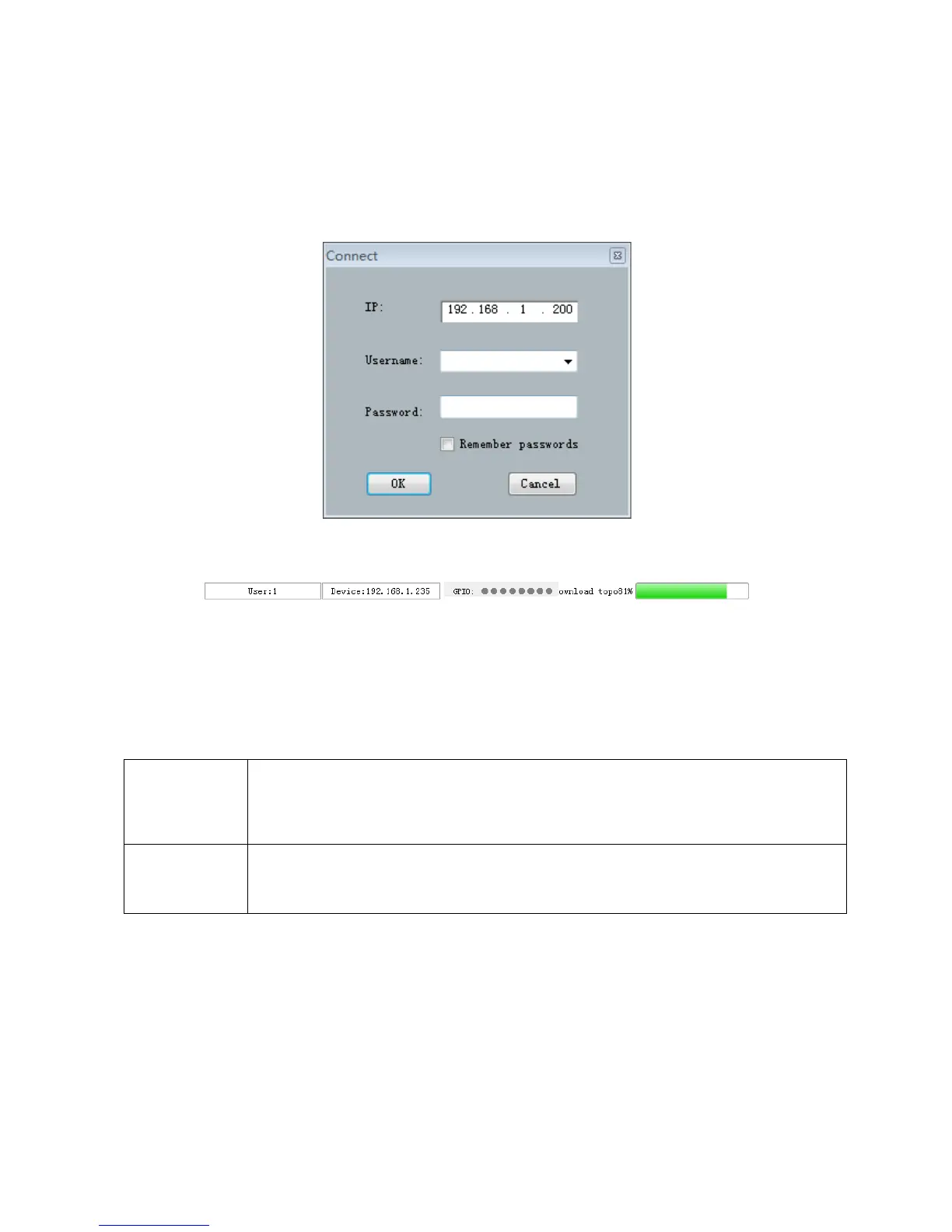
Click on the lower right corner of the "search equipment" button. Double click on the list of devices
corresponding to the IP device, the popup authentication frame:
Enter the user name and password (default username “admin”\ password “123456”), click the landing, the status
bar indicate the following:
You can be controlled equipment after the scene is downloaded.
3.2 System flow
Signal processing flow chart
Standard
configuration
Input: Test signal / Mute / Expander /5EQ / Compress / AGC
Output: Delay / XOVER/31 band graphic equalizer / Limiter / Output invert / Mute
Advanced
configuration
AFC/AEC/ANS/AutoMixer
3.3 Software features
Switching between flow chart and processor control module:
Window 2 detailed parameter display area for the processor, window 3 for processing flow chart, is also a
fast channel opening and closing the processor.



 To Next Page