19 / 43
Example 3:Save the scene online
3.1 If only on a certain device operating scenarios, you don't need to saved offline first, then load, can be
directly use online save scene, steps are as follows.
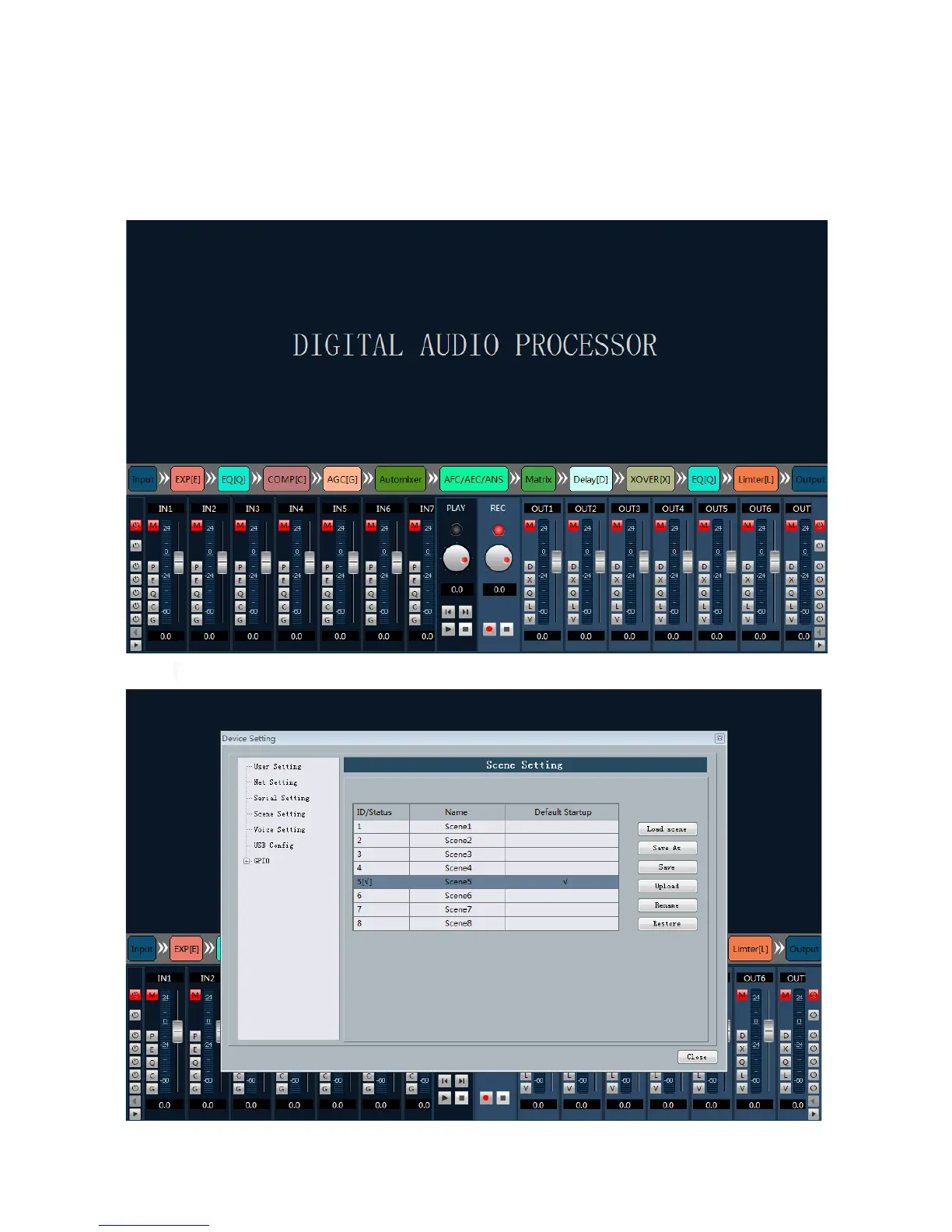
3.2 After connecting device, parameter change scene, open all the mute as follows:
3.3 In the menu bar Settings - > device Settings - > setting - > click "save"
3.4 Saved after the success, either restart your device or switching scenarios, scenario 5 mute button is



 To Next Page