34 / 43
Enter the number, click on the dial icon can dial the phone.
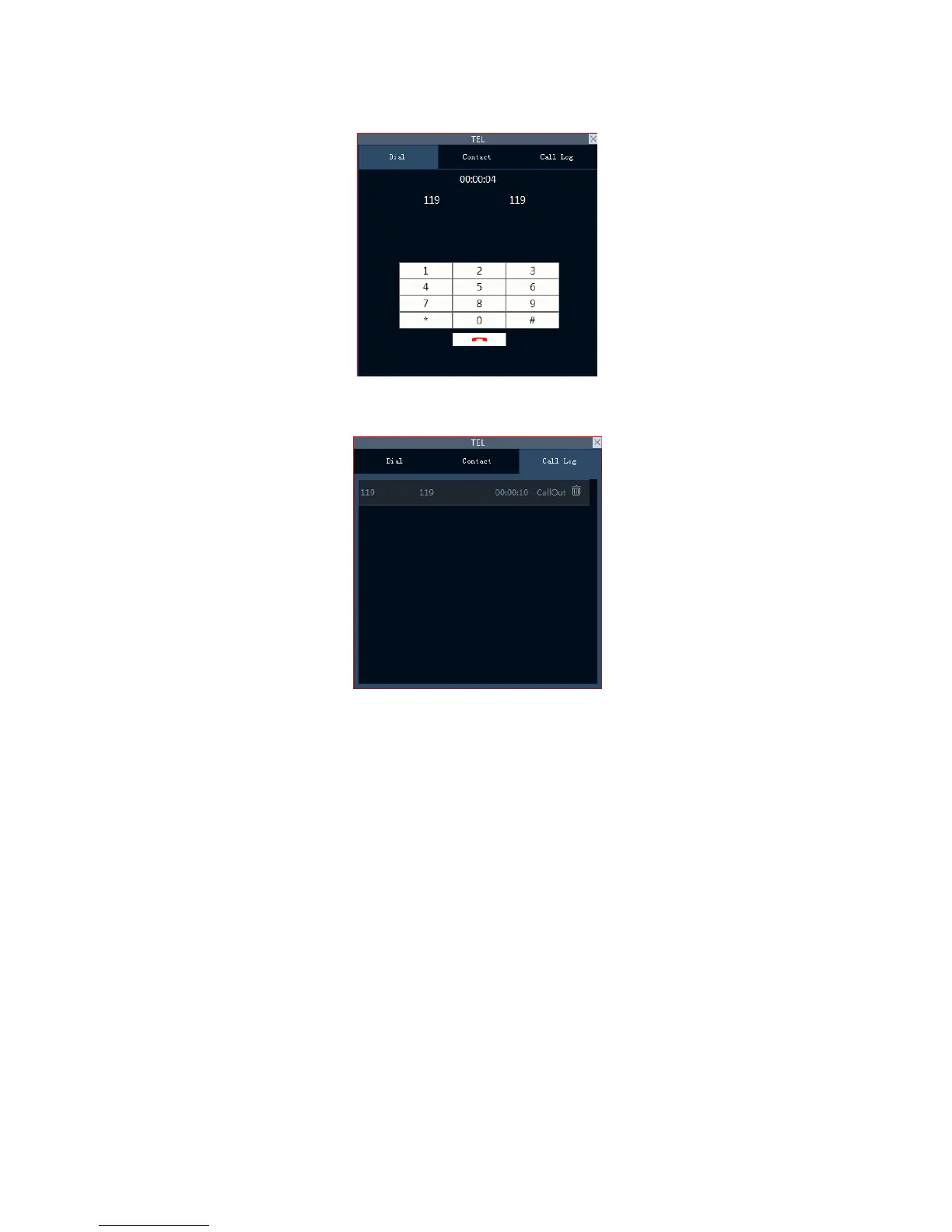
The phone call interface is as follows:
Call log:
1. The recent call records is on the top of the list, It display up to 32 call records.
2. Every records show the contacts, number, call time and incoming and outgoing information, click
the delete button can remove the call records.
Phone setting:



 To Next Page