Chapter 5
Lock Menu
DESSMANN lock management software let you easily manage your users. Browse with the arrows keys &
press ENTER to confirm each step.
5.1 Enter the System Menu
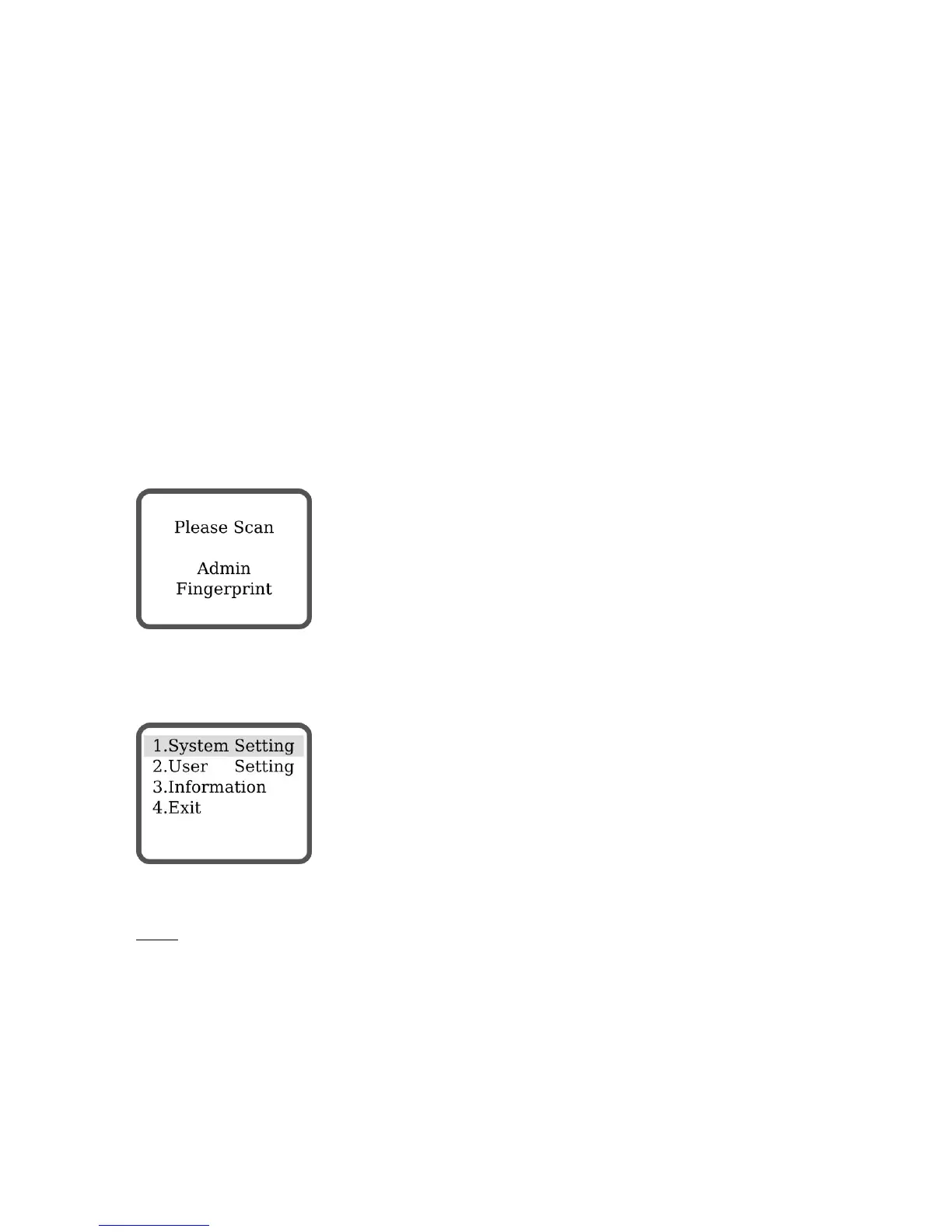
System can only be managed with the admin fingerprint.
Start system (3.2.1) and press MENU twice:
Scan admin fingerprint (default: none).
5.2 System Settings
5.2.1 Unlock Mode
Notes:
FP for Fingerprint, PWD for Password
11


 To Next Page