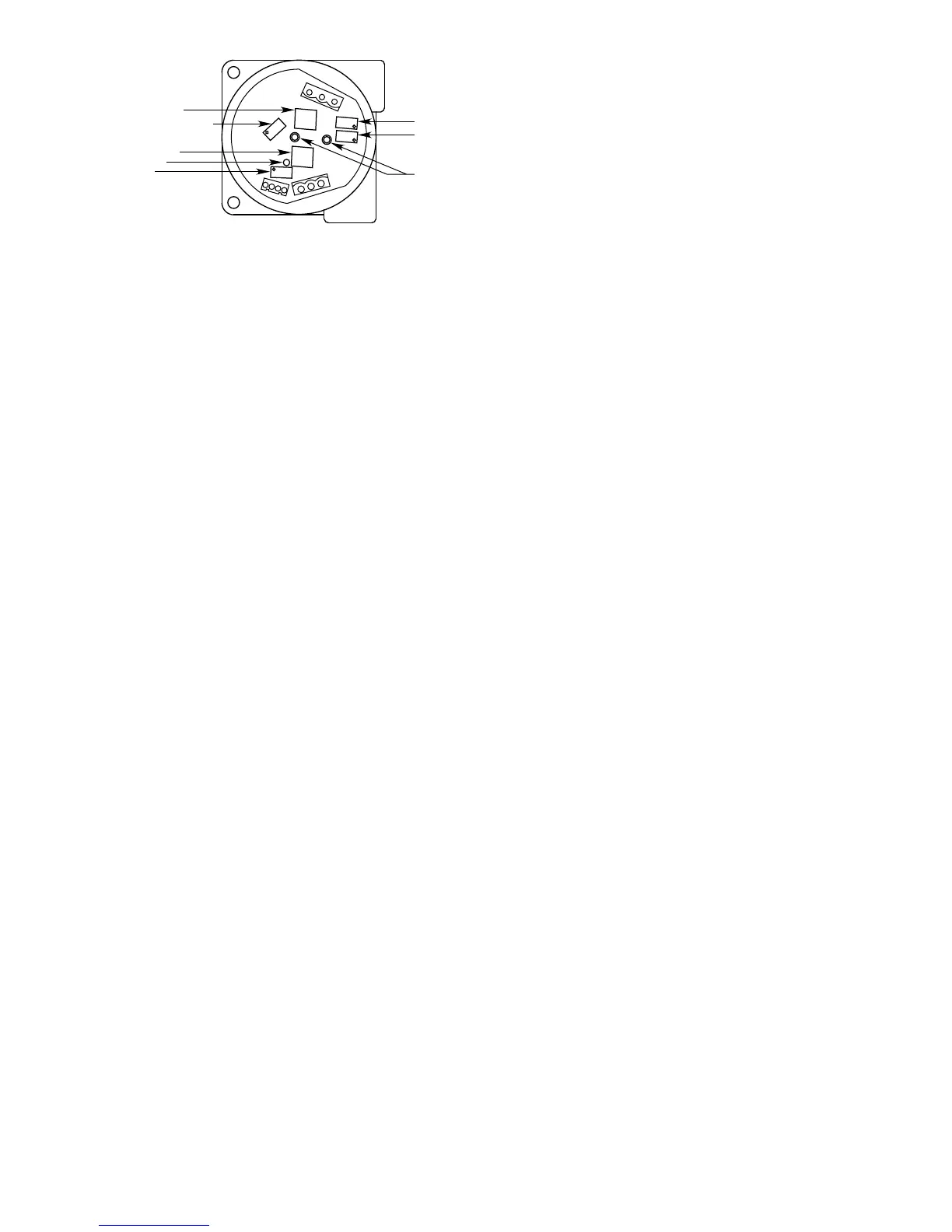
REPLACING AN EXISTING K SERIES OR MODEL 500
TRANSMITTER WITH A MODEL 505
1. Remove power from the existing K Series or Model
500 Transmitter, then remove the junction box
cover.
2. Remove the transmitter module from the junction
box. Do not remove the connector board at this time.
3. Unplug the sensor from the connector board. If the
sensor is installed separately from the transmitter
junction box, disconnect the three wires from the
sensor terminal strip. Note the location of the sensor
cable shield drain wire (if used). It will be
reconnected in the same manner later.
4. Disconnect the three wires from the power and
signal terminal strip. Note the location of the shield
drain wire (if used). It will be reconnected in the
same manner later.
5. Remove the two screws, then remove the connector
board from the junction box.
6. Install the new Model 505 transmitter board in the
junction box. The mounting hole pattern of the
transmitter board should match the holes in the
existing junction box. Use standoffs if necessary to
increase the clearance between the transmitter
board and the bottom of the junction box. If a
ground lug was used, re-install it at the transmitter
board mounting hole with the exposed foil to ensure
electrical continuity.
7. Remove the plug-in connector for the power and
signal wiring from Model 505 transmitter board, and
connect the existing power supply and signal wires
at the proper locations on the connector. The
proper locations are identified on the Model 505
transmitter board by “+ (plus), – (minus) and sig
(signal)” markings.
8. Insert the plug-in connector into the power and
signal wire receptacle on the Model 505 transmitter
board. Reconnect the power and signal cable
shield drain wire (if used) as previously installed.
Route any excess power and signal wiring inside
the junction box around the perimeter of the Model
505 transmitter board to allow easy access to the
switches and potentiometers.
9. Connect the sensor plug onto the male sensor
terminal. If the sensor is installed separately from
the transmitter junction box, connect the three
sensor wires to the sensor wiring plug-in connector.
The proper sensor wire locations are identified on
the Model 505 transmitter board by “red, wht and
blk” markings. Note the location of the sensor cable
shield drain wire (if used) and ensure that it is re-
connected as in the original wiring configuration.
10. Route the sensor wires inside the junction box
around the perimeter of the transmitter board to
allow easy access to the switches and
potentiometers.
11. Apply power to the transmitter and perform “Startup
Procedure,” “Sensor Voltage Adjustment” and
“Calibration” as described in this manual.
12. Replace the junction box cover when complete.
STARTUP PROCEDURE
1. Output loads that are normally actuated by the
system should be secured (remove power from all
output devices) to prevent undesired activation of
these devices.
NOTE
Prior to calibration, it is possible for the transmitter
to generate a spurious signal output up to 20 ma
when power is first applied.
2. Double check all internal and external wiring for
proper connections. Check sensor operating
voltage if sensor separation is utilized.
3. If a controller is used, set the alarm setpoints for the
desired levels. (Refer to the controller instruction
manual.)
4. Apply power to the Model 505. Allow the
transmitter/sensor to stabilize for two hours
minimum before calibration for maximum accuracy
and repeatability.
NOTE
When power is applied to the Model 505, it enters
a 15 second time delay before beginning normal
operation. This power-up time delay allows time
for the sensor to stabilize before the signal output
is generated.
5 95-8472


 To Next Page