Installation Characteristics
8
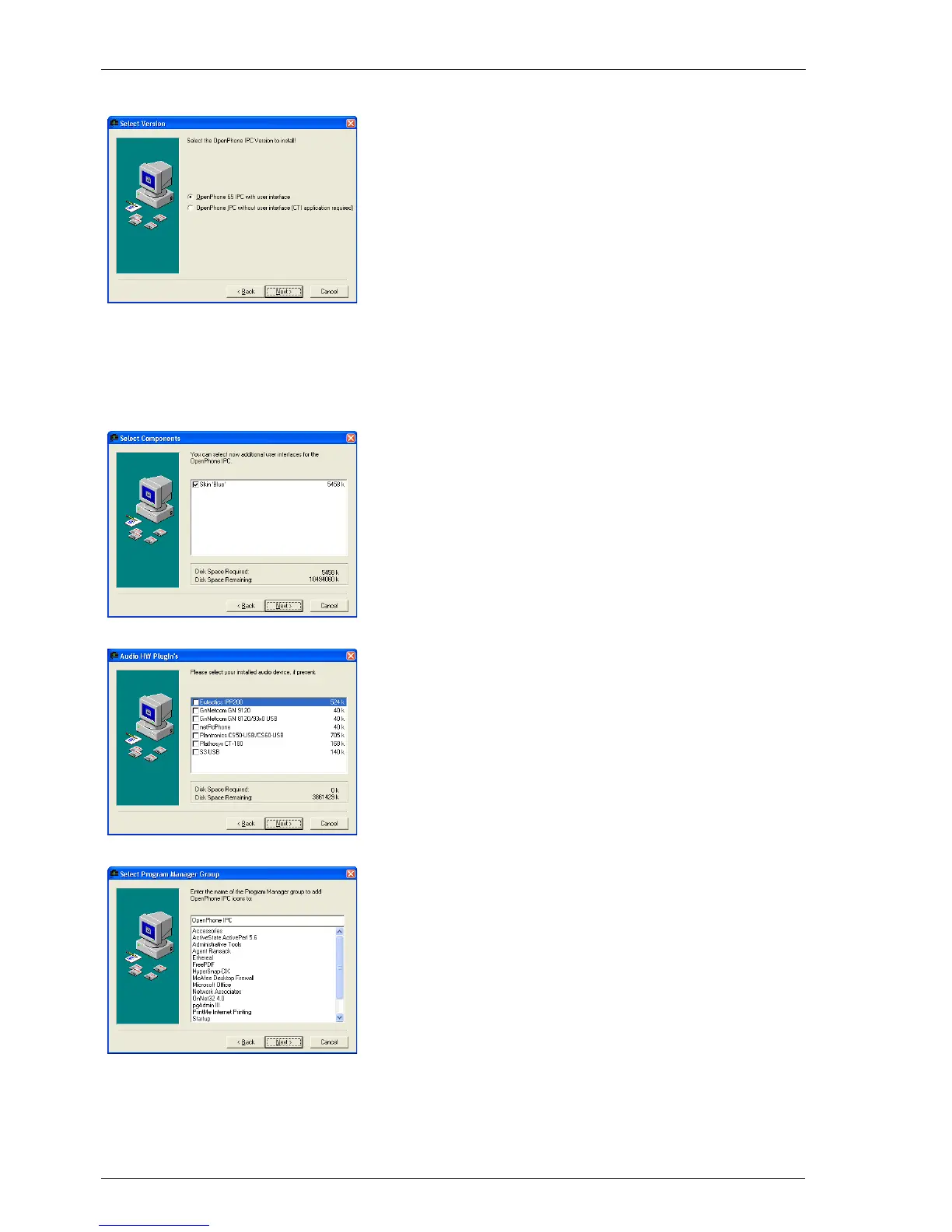
5. Select the desired version:
OpenPhone IPC with Interface:
OpenPhone IPC with an interface for
mouse and/or keyboard operation. This
alternative is skin-capable and can also be
used with a CTI application.
OpenPhone IPC without Interface:
OpenPhone IPC without an interface can
only be used with a CTI application and
cannot be used without a CTI application.
If you have selected the OpenPhone IPC
with an interface, you can now select the
skins you would also like to install and
then click on Next.
Activate one of the plugins listed if a corre-
spondig component is installed on your
PC, then click on Next.
6. Select the directory in the Start menu in
which OpenPhone IPC is to be installed,
then click on Next.





 To Next Page