Using the OpenPhone IPC with an Interface Application Menu
23
New messages on the answering machine are indicated by a symbol appearing in
the taskbar (see Taskbar Symbol starting on page 24). The symbol in the taskbar
shows the new messages until one of them is selected for playback.
The selection dialogue for messages received is opened by pressing the “Play” key.
The selected message will then be played back via the speaker. You can also “Stop”
and “Pause” during playback.
Note: The recordings are stored in the directory
My Documents/Answering Machine Recordings or in the
Answering Machine Recordings subdirectory of the
OpenPhone IPC’s installation directory. The file names con-
tain the date, time and caller’s number or name.
5.4 Application Menu
The application menu is opened by clicking on the application symbol. The fol-
lowing functions are available via the application menu:
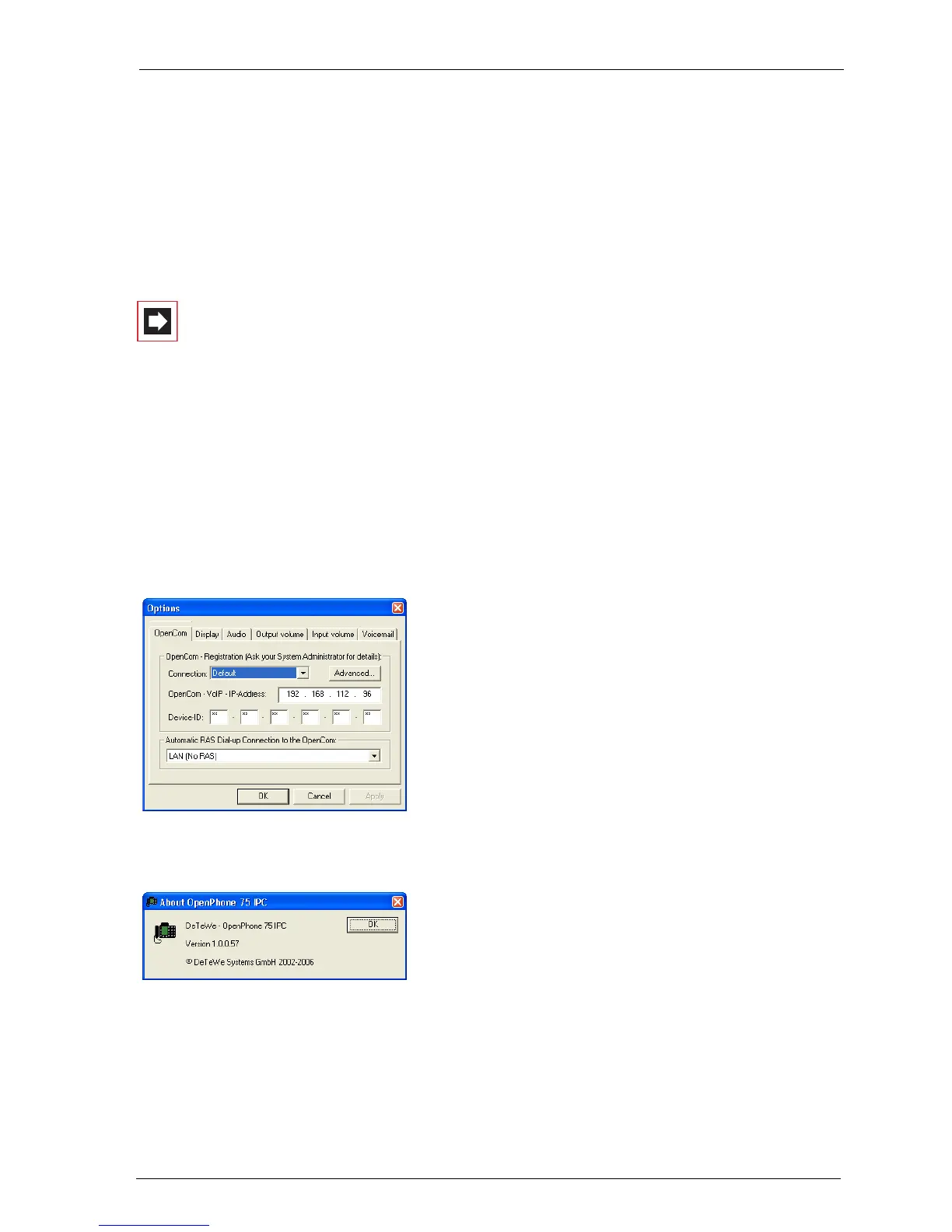
■ Opening the Options dialogue
■ Activating and deactivating the answering
machine (for the OpenPhone IPC version
with interface only)
■ Identifying the software version
■ Ending the OpenPhone IPC





 To Next Page