Using the OpenPhone IPC with an Interface Operation
20
5.2.1 Drag & Drop
You can also use call numbers derived from other applications to make calls. If the
application supports Drag & Drop, mark the call number with the mouse. Click on
the marked call number with the left mouse key and pull it, while holding the
mouse key down, onto OpenPhone IPC. The transferred call number will now be
dialled.
Note: The call will only be made once the receiver is picked
up or the hands-free key pressed.
Drag & Drop can also be used to search for names entered into the
OpenPhone IPC’s telephone book. The closest matching entry will be marked.
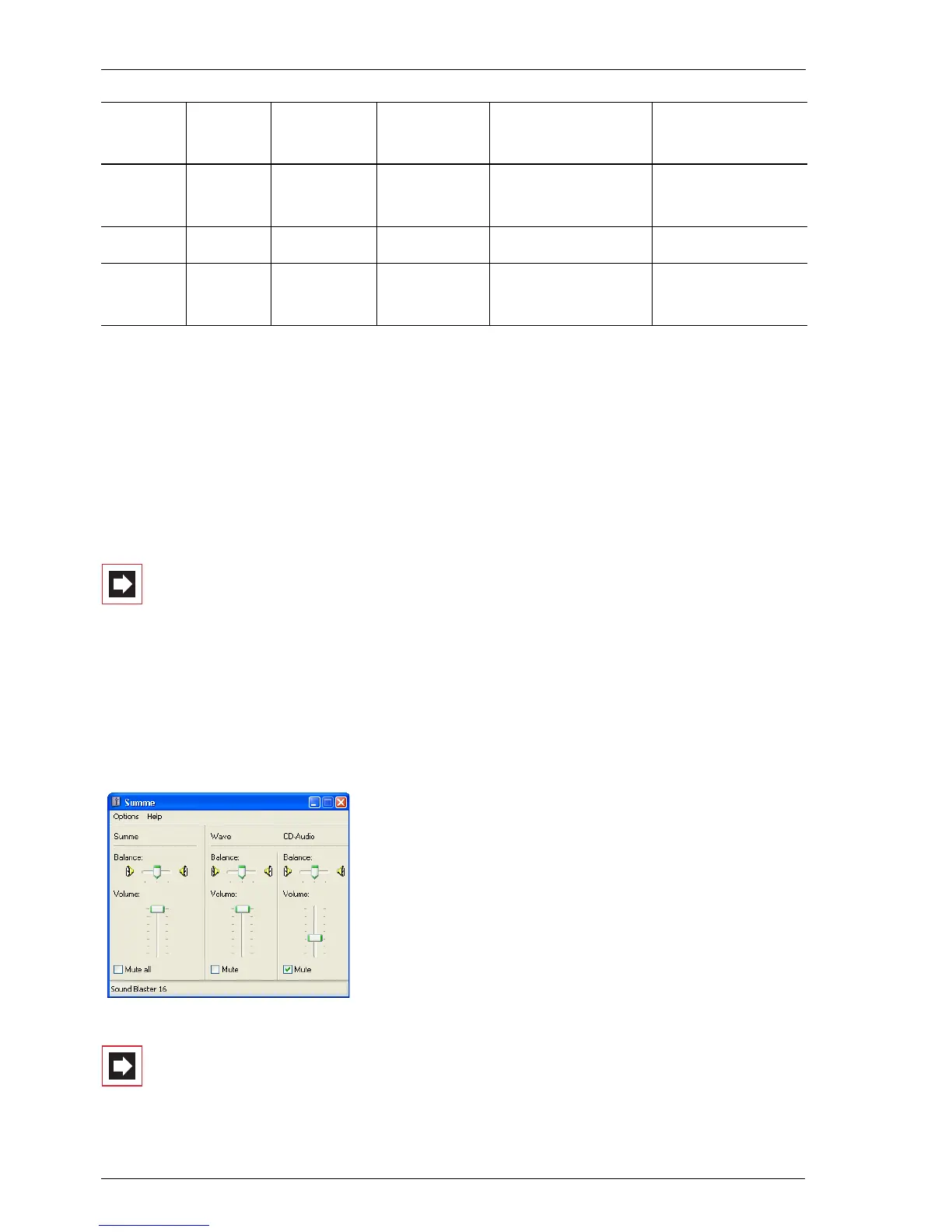
5.2.2 Volume Settings
Note: If the volume or microphone sensitivity of the sound
card are changed during a call, this configuration is saved for
the OpenPhone IPC and used for future calls.
E Recording:
Start/Pause
S Recording: Stop
P Recording:
Playback/Pause
During the call state, while playing back a
recording, or performing any other actions
that use the sound card, the OpenPhone IPC
temporarily modifies the workplace com-
puter’s volume settings. This volume setting is
preset in the Options dialogue. On com-
pletion of the action, the previous volume
setting is restored.
Ctrl Shift PC Key(s) (Alpha)
numeric
Phone Key(s) Comment
✔
✔
✔





 To Next Page