Configuring the OpenPhone IPC Output volume Tab
13
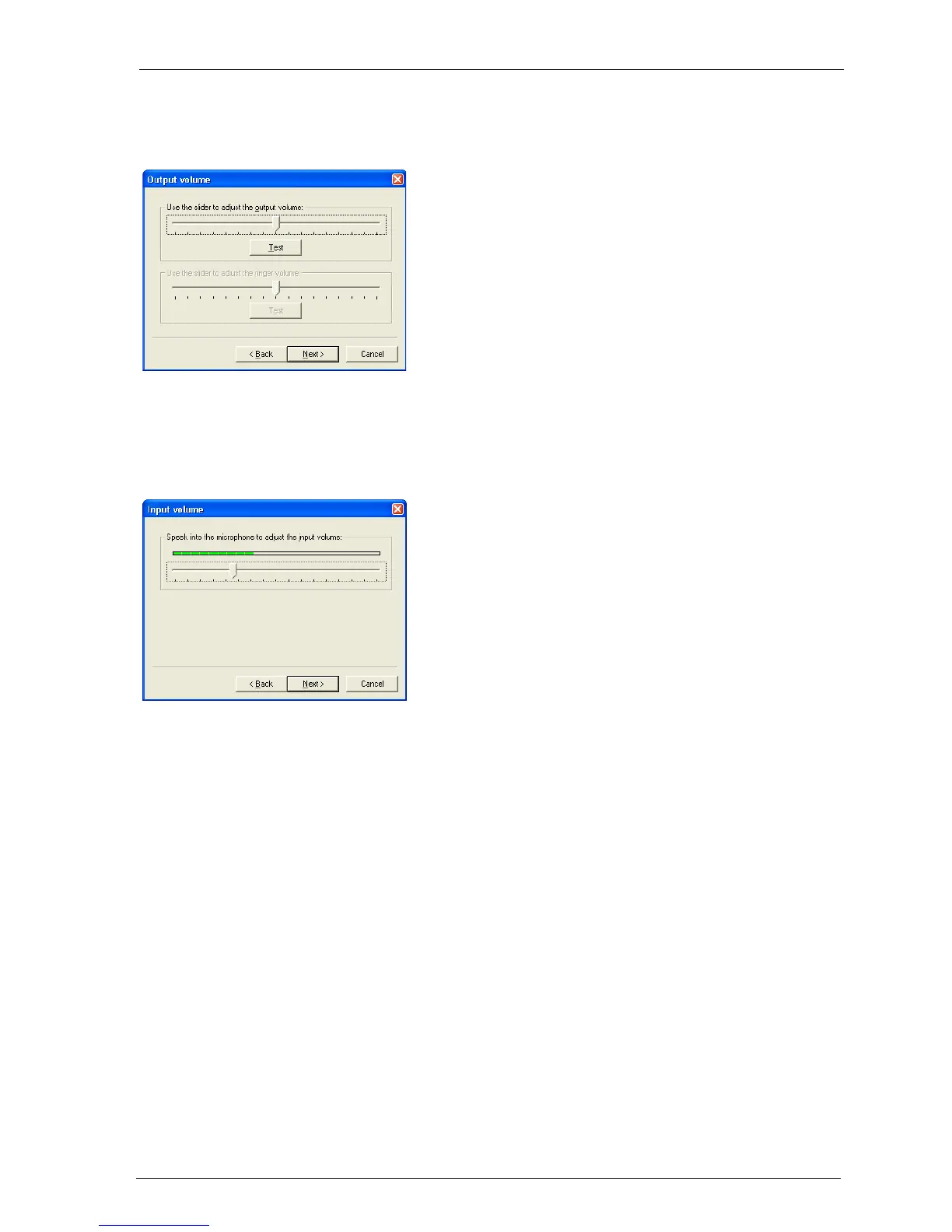
4.4 Output volume Tab
4.5 Input volume Tab
Click on Test and the ring tone will be played.
Move the slide control to a position where the
ring tone is played back at an adequate and
audible volume.
Speak into the microphone at normal volume,
keeping a normal distance from the micro-
phone. Wait until the slide control has come
to rest.





 To Next Page