Using the OpenPhone IPC with an Interface Taskbar Symbol
24
5.5 Taskbar Symbol
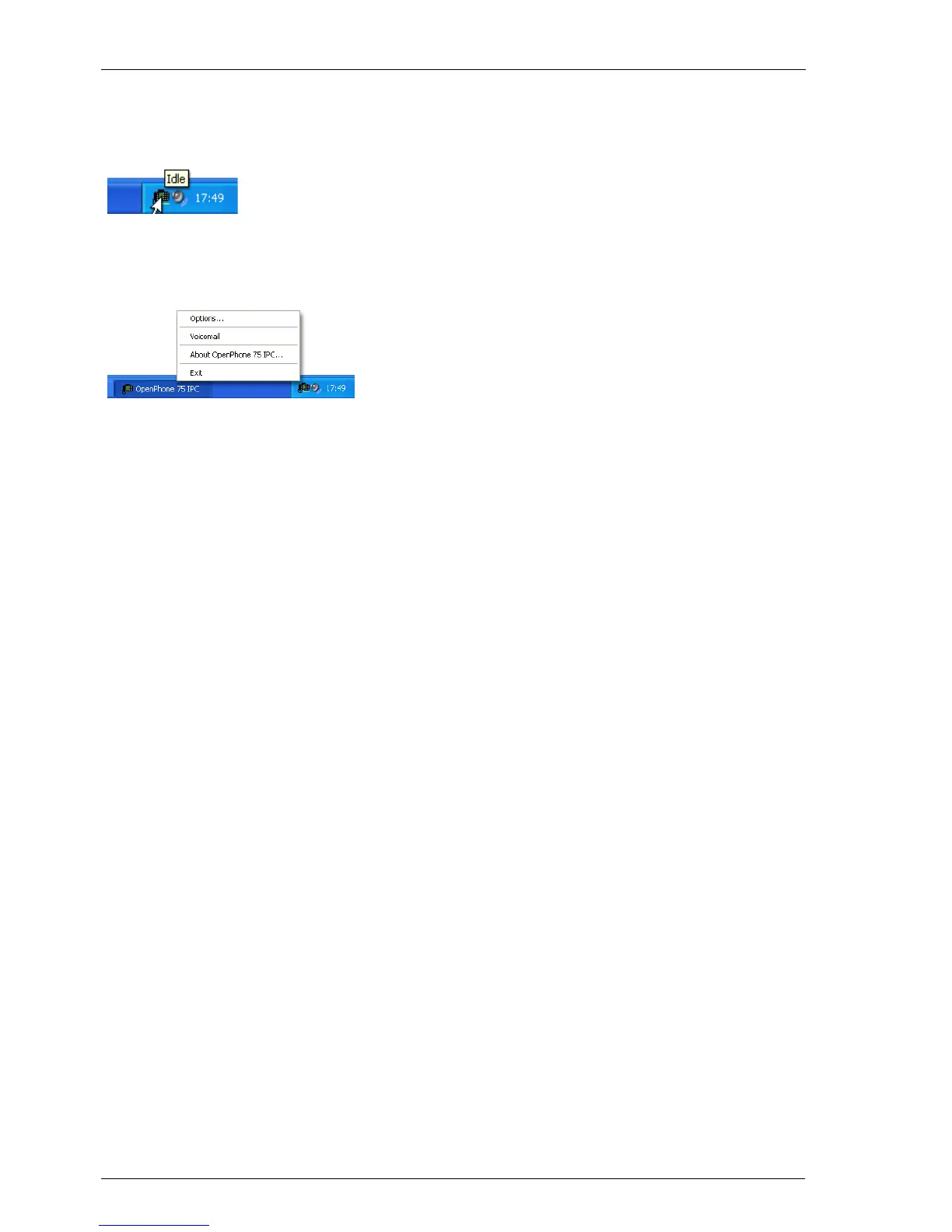
When the OpenPhone IPC is started, a new
symbol appears in the taskbar’s information
area. This symbol shows the terminal’s current
state. When you move the mouse over the
symbol, the state is shown as text.
Double click on the symbol with the left
mouse key to minimise or restore the
OpenPhone IPC. You can open the application
menu by clicking with the right mouse key.





 To Next Page