Using the OpenPhone IPC with an Interface Audio Functionality
21
5.3 Audio Functionality
In addition to its telephone functionality, the OpenPhone IPC enables the
recording of calls and audio e-mails. The OpenPhone IPC can also be used as an
answering machine.
5.3.1 Audio functionality with a deactivated
Answering Machine
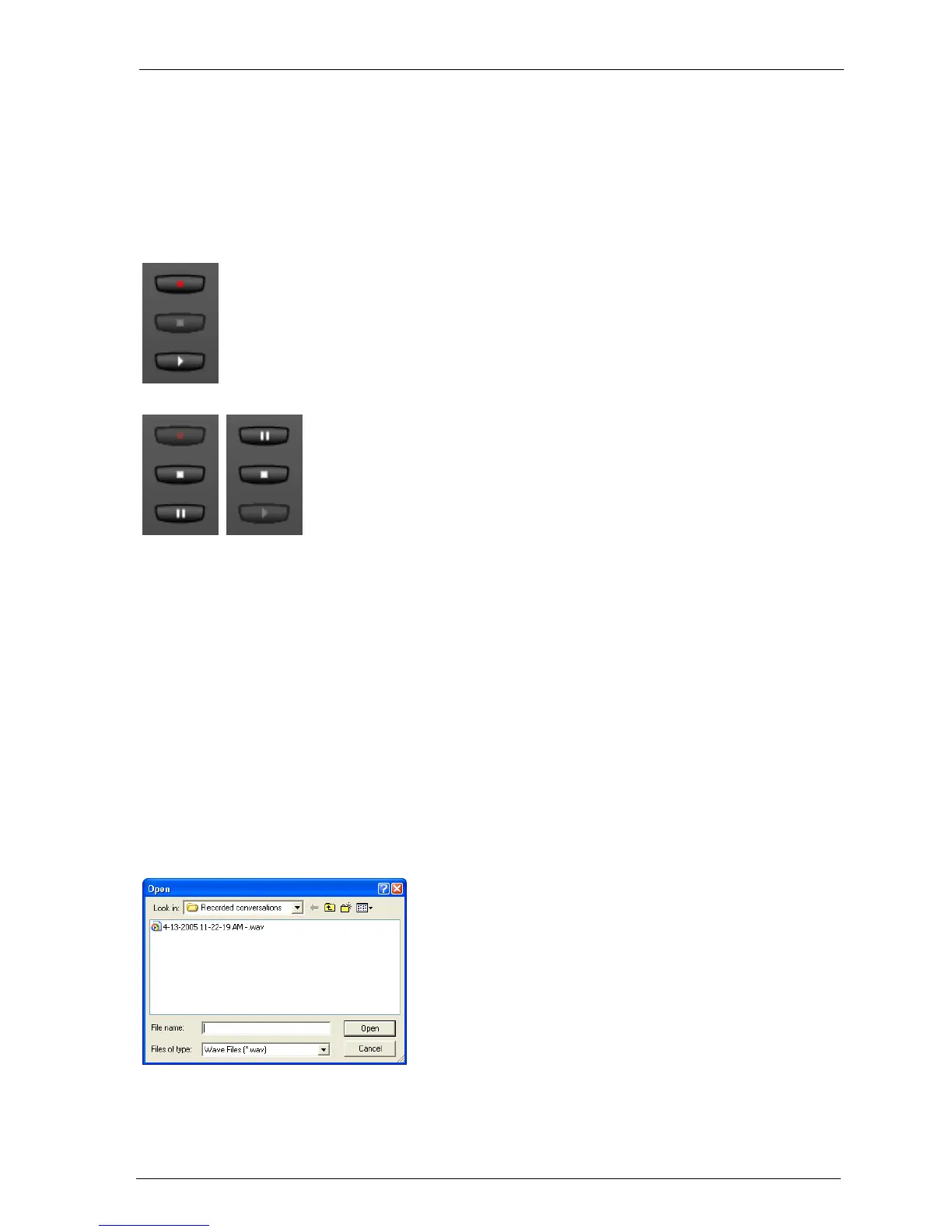
The three “Rec”, “Stop” and “Play” keys are used to record calls and play back
recordings. Audio e-mails can also be sent. The functionality of the keys depends
on whether or not the OpenPhone IPC is idle.
These functions are operated via the three
extra keys - “Rec”, “Stop” and “Play”.
The “Rec” and “Play” keys can, depending on
their operational state, change to become
pause keys.
The functioning of the keys depends on
whether the answering machine has been
activated or not. Answering machine mes-
sages and recordings can also be played back
using Drag & Drop with an audio file.
When the OpenPhone IPC is in its idle state,
click on the “Play” key to play back a previ-
ously recorded recording. Select an audio file
from the Open dialogue. You can also “Stop”
and “Pause” during playback.





 To Next Page