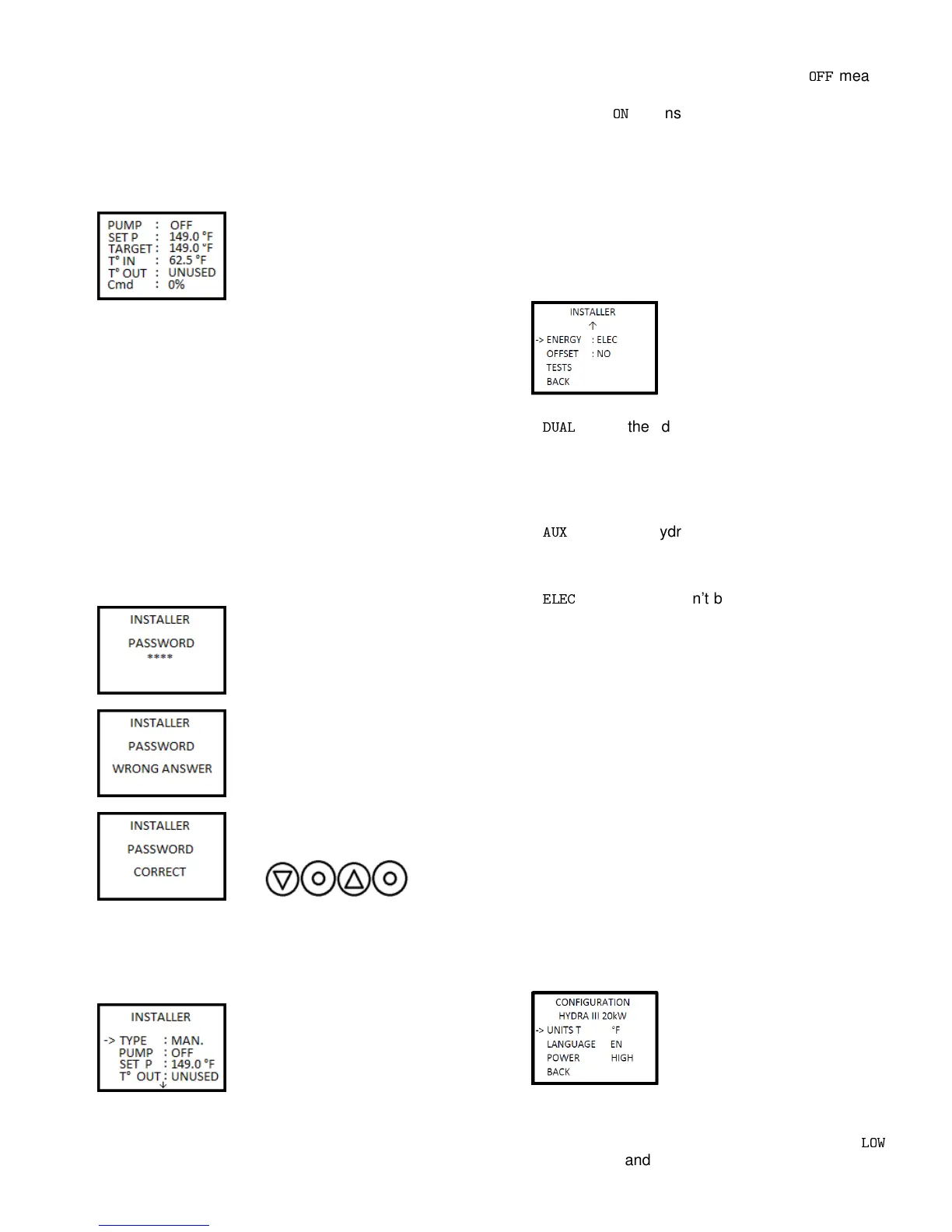
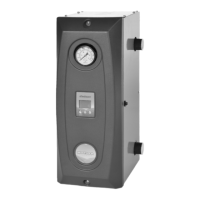
3.4 ELECTRONIC CONTROL
Figure 2 shows how to navigate the various menus.
3.4.1 Display
PUMP: State of the pump.
SET P: Temperature set
point.
TARGET: Target temperature. This will vary according to
the outdoor temperature (Figure 3).
T° IN: Temperature inside the device.
T° OUT: Outdoor temperature.
CMD: Percentage of power sent to the elements.
From this screen and by pressing the directional buttons,
the user can switch from the various menus available.
The center button allows to switch the view between CMD
and individual elements.
3.4.2 Installer
The installer menu’s goal
is to make the technician’s
work easier. This menu
is protected by a password
that can be found on the
electrical schematic affixed
to the plastic case of the
HYDRA III. The password
consists of a combination
of characters entered with
the three buttons of the
Hydra (left, center, right
then center).
Once the password is confirmed, press the center button
to enter the menu. The homeowner shouldn’t try to
gain access to this menu as it is used to program the
behaviour of the appliance.
TYPE: Gives a pre-set value
to the temperature set point.
Mass, Baseboard, Light and Cast Iron are pre-set values
for determining temperature set point. Manual allows the
installer to manually choose the set point.
PUMP: Choose the way to drive the pump.
OFF
means
the pump will activate only when there is a demand from
the thermostat.
ON
means that the pump will always be
active. Time values indicate that the pump will stay on
for this time before deactivating following the end of a
heating demand from the thermostat.
SET P: Indicates the temperature the device will try to
reach upon the reception of a signal from the thermostat,
unless the outdoor sensor modifies it.
T° OUT: Allows the device to know if an outdoor sensor
is being used.
ENERGY: Sets the way
the machine will manage its
energy.
DUAL
tells the device that upon receiving a
signal from the electrical network or based on outdoor
temperature, it will transfer the heating demand
exclusively to an auxiliary boiler (this is mostly the case
when the energy provider is Hydro-Quebec);
AUX
means the Hydra will be completely bypassed
and an auxiliary boiler (e.g. oil boiler) which will be used
to produce heat instead;
ELEC
means there won’t be a dual energy system
and thus the HYDRA III will be the only source of heat.
OFFSET: Set the allowed temperature offset (deadband)
from the set point. This option can help when the
cycling of the elements is too fast, by slowing the heat
resumption when the set point is reached.
TESTS: Access to the Tests tab appearing on the
controller’s screen is protected by a password. Under
no circumstances should a user try to access it. This
function is used at the Dettson factory to test the HYDRA
III before it is shipped to a distributor.
BACK: Allows going back to the previous menu. This has
the same functionality across all menus.
3.4.3 Configuration
The configuration menu allows the user to adjust some
settings.
UNITS T: Units for
temperature (Fahrenheit or
Celcius degrees).
LANGUAGE: Language of
displayed text (English or
French).
POWER: Lowers the power of the device. Choosing
LOW
will limit the command at 50% of the maximum capacity.
9


 To Next Page