ineo+ 3350/3850 2-8
2.2 About power supply
2
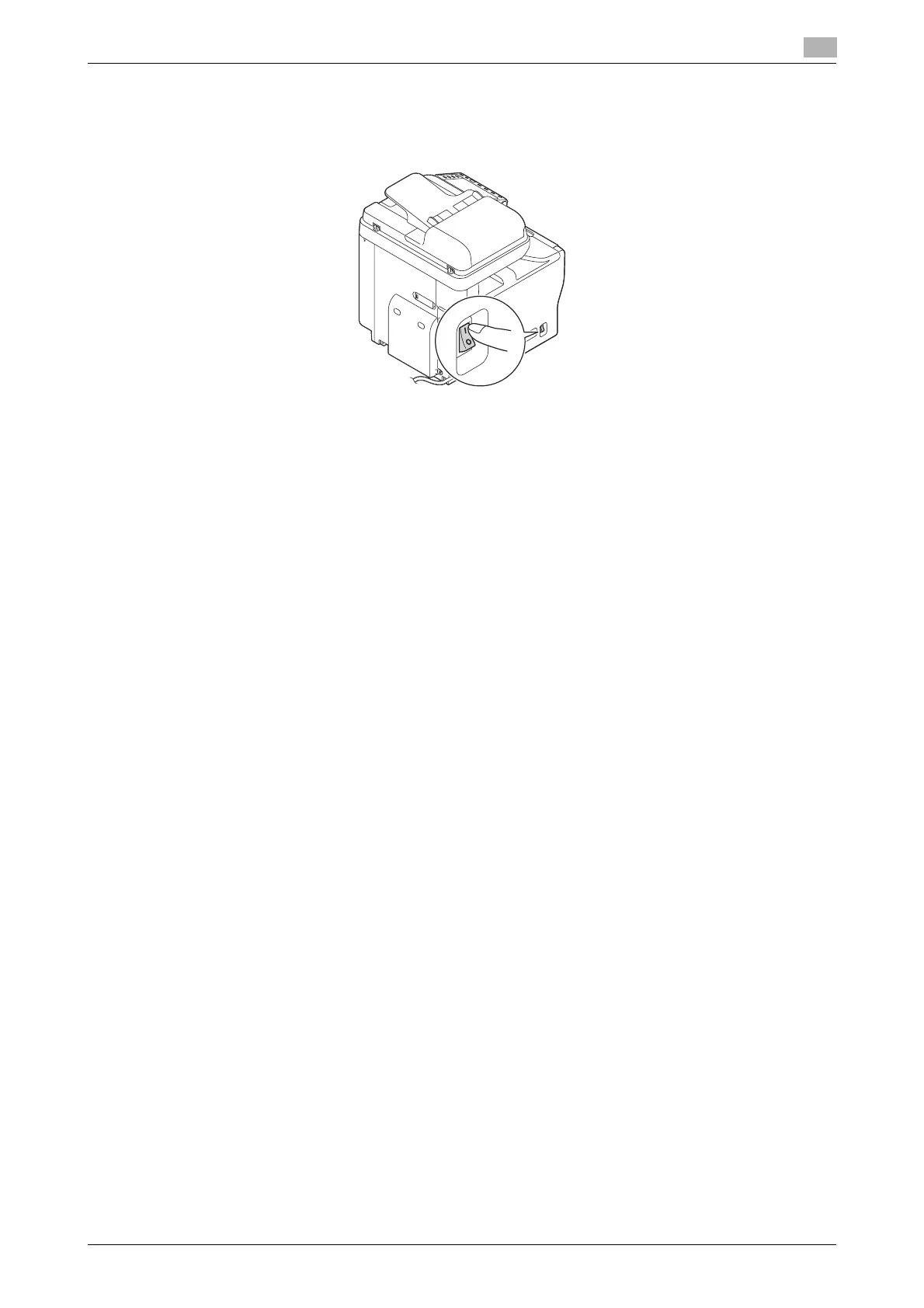
2.2.2 Turning the Power Switch ON or OFF
1 When turning the main power on, press n of the Power Switch.
A screen appears to show that this machine is in the process of start-up.
When the main menu icon is displayed, this machine is ready to use.
2 When turning the main power off, press o of the Power Switch.
NOTICE
When restarting this machine, turn the Power Switch off and on again after 10 or more seconds have elapsed.
Not doing so may result in an operation failure.











 To Next Page