ineo+ 3350/3850 3-6
3.2 Loading paper into the Manual Feed Tray
3
3.2 Loading paper into the Manual Feed Tray
When selecting a paper size other than for paper trays, use the Manual Feed Tray.
To use the Manual Feed Tray, load paper and specify the paper type.
0 For details on the available paper types and sizes, refer to page 3-3.
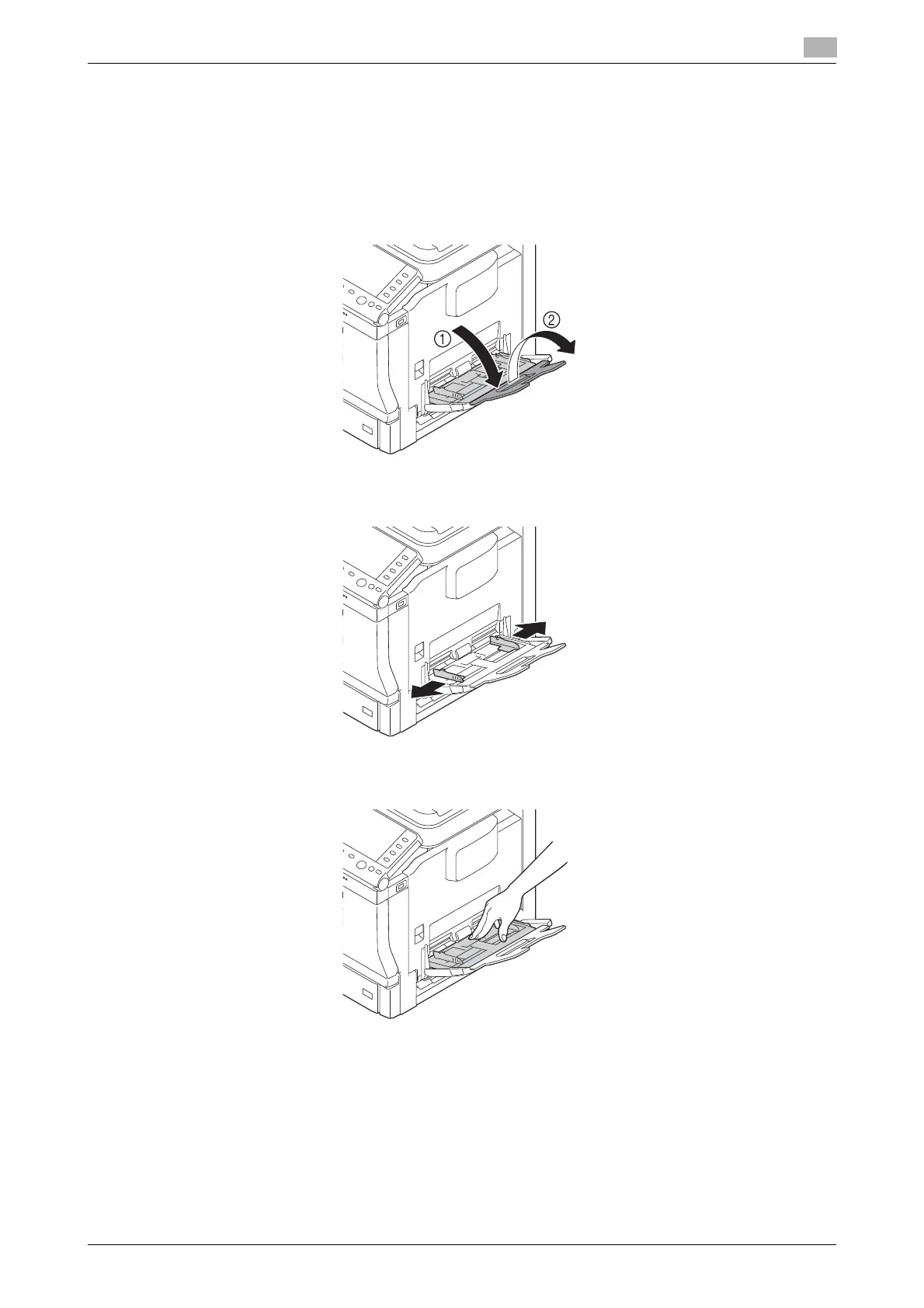
1 Open the Manual Feed Tray.
2 Spread out the paper guide.
3 Push up the center of the flip-top plate until the lock latches (white) at the right and left are locked.











 To Next Page