2-13 ineo+ 3350/3850
Operating the Touch Panel
2
2.4
2.4 Operating the Touch Panel
Tap
Lightly touch the screen with your finger, then take your finger off the screen immediately. This action is avail-
able when selecting or determining a menu.
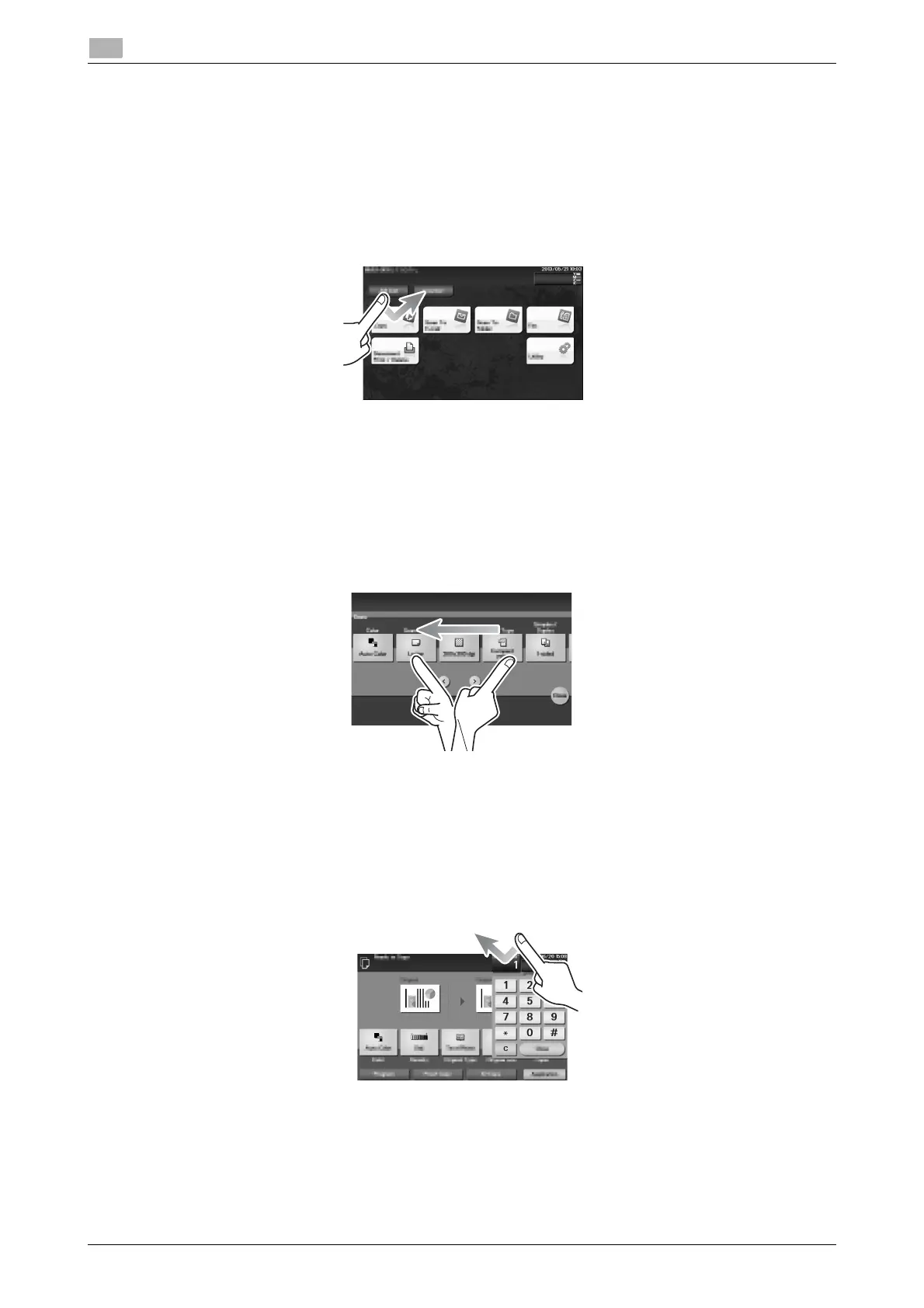
Flick
Make a slight fillip while sliding your finger on the screen.
Displaying the Keypad
Tap a number or input area on the screen to display the Keypad.
Used to enter numerals.











 To Next Page