ineo+ 3350/3850 2-16
2.6 Entering characters
2
2.6 Entering characters
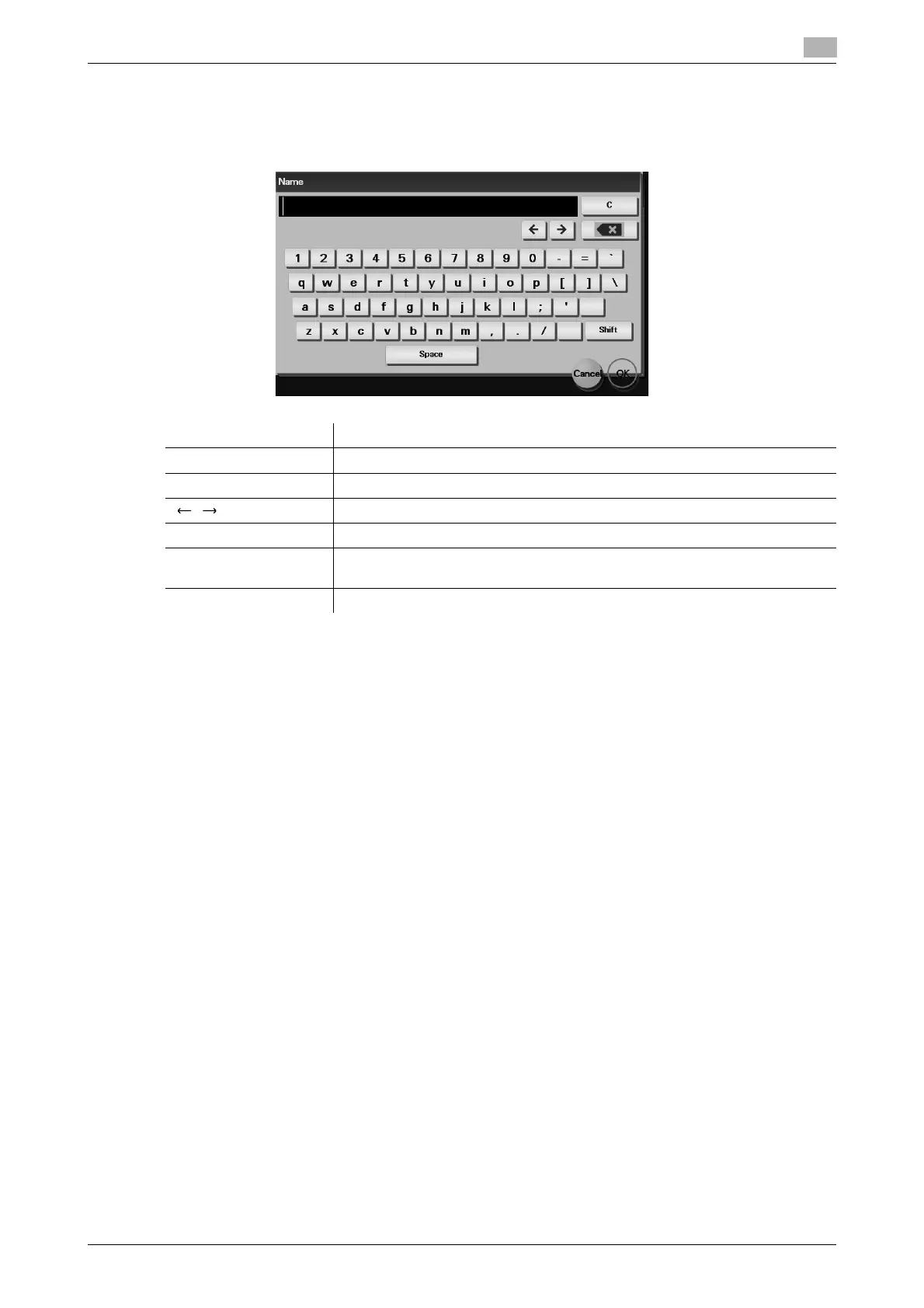
When entering characters to register an address or program, use the keyboard screen displayed on the
Touch Panel.
Item Description
Keyboard Tap the keys of characters you want to enter.
[C] Tap this key to delete a character or value you entered.
[ ]/[ ] Tap this key to move the cursor.
[e] Tap this key to delete characters you entered one by one.
[Cancel] Text entry is interrupted and the page returns to the previous screen.
The character or value you entered is deleted.
[OK] Define the entered character or numeric values.











 To Next Page