3-7 ineo+ 3350/3850
Loading paper into the Manual Feed Tray
3
3.2
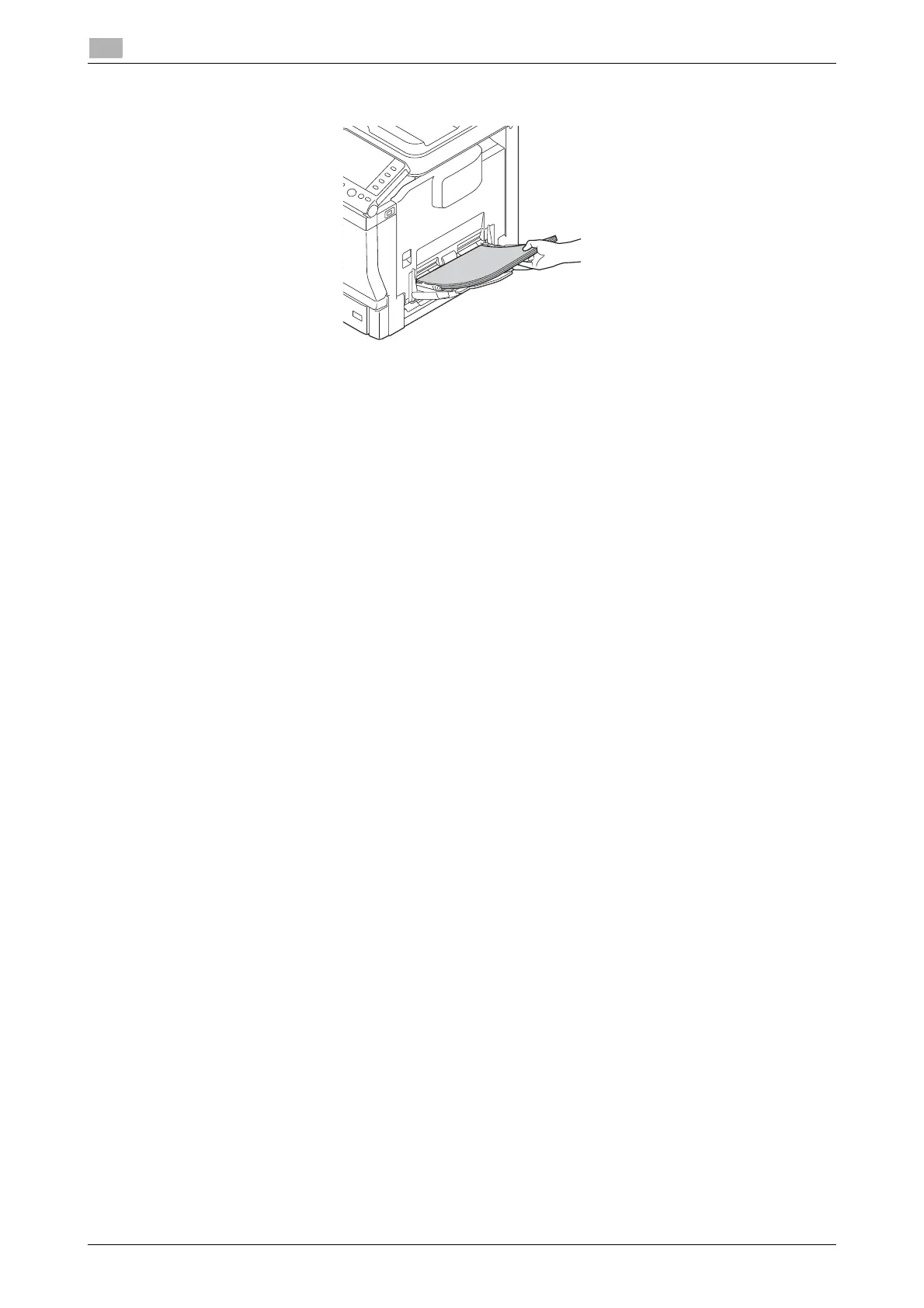
4 With the side to be printed on facing down, insert the paper as far as possible into the feed slot.
NOTICE
Load paper within the guide indicating the upper limit.
If paper is curled, flatten it before loading.
5 Align the paper guide to the paper size.
6 Change the paper type and paper size on the Control Panel. When loading custom sized paper, also
specify the paper size.
% To configure settings: [Utility] - [User Settings] - [Printer Settings] - [Paper Setting] - [Paper Tray] -
[Manual Feed]











 To Next Page