3-9 ineo+ 3350/3850
Loading paper into Tray 1
3
3.3
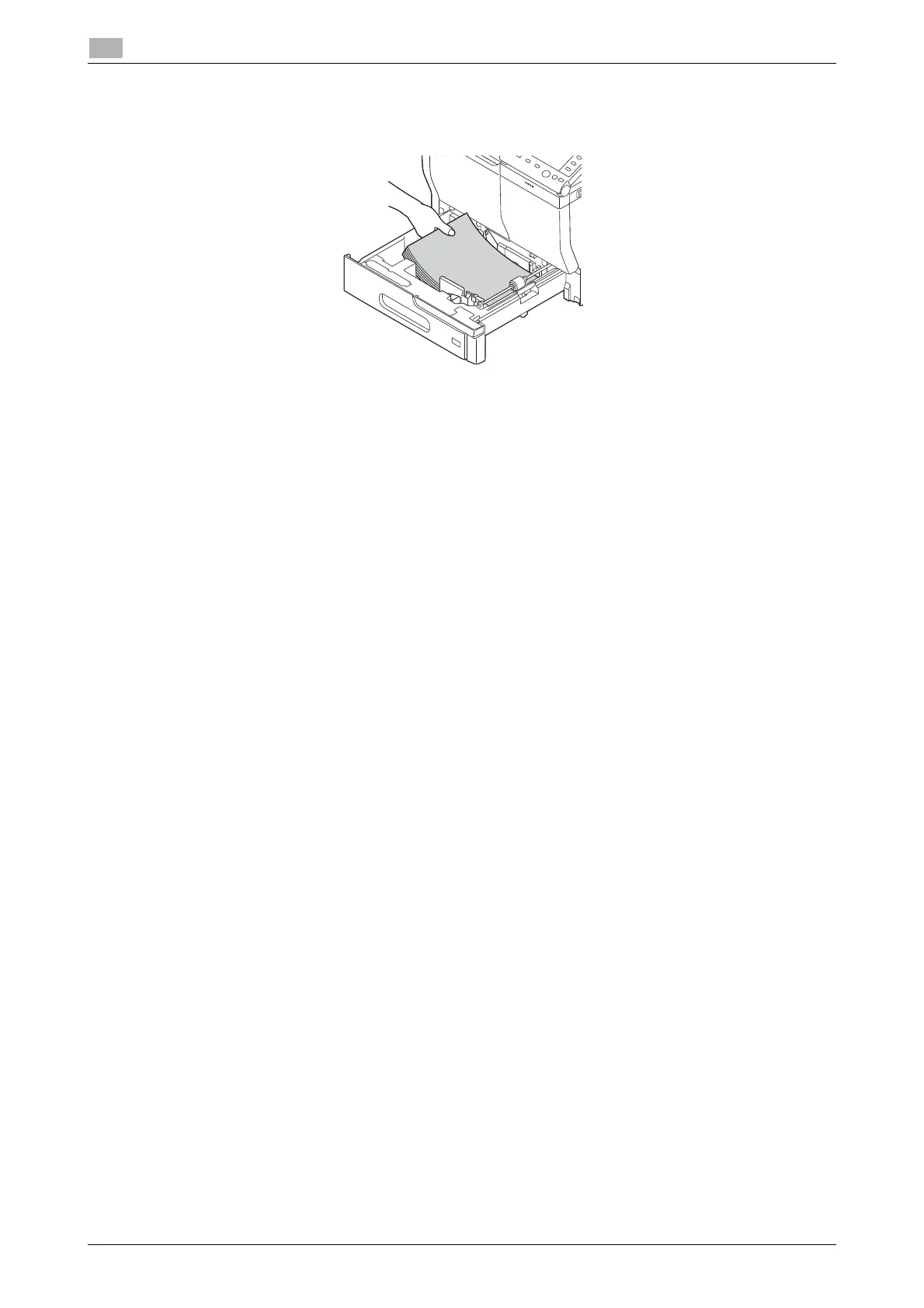
4 Load paper into the tray with the print side facing up.
% Load a postcard or reply postal card, turning the short side to the right side of the tray.
NOTICE
Do not load the sheets up to the point where the top of the stack is higher than the
,
mark.
If paper is curled, flatten it before loading.
5 Align the paper guide to the paper size.
6 Close Tray 1.
7 Change the paper type and paper size on the Control Panel.
% To configure settings: [Utility] - [User Settings] - [Printer Settings] - [Paper Setting] - [Paper Tray] -
[Tray 1]











 To Next Page