5-13 ineo+ 3350/3850
Using the fax function
5
5.3
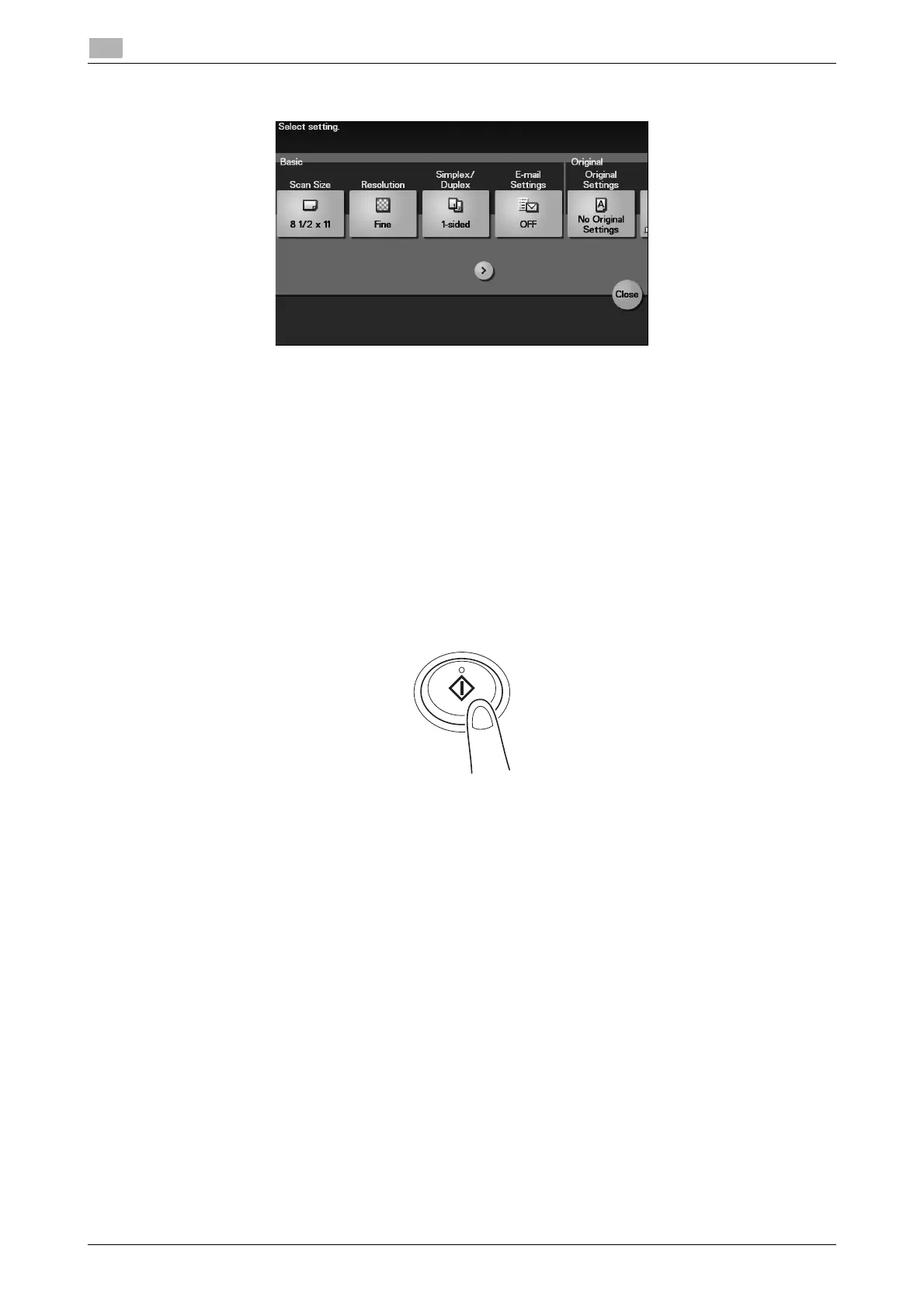
4 Tap [Application], then configure fax option settings.
% Before scanning the original on this machine, you need to specify the size of the original to be
scanned. Before scanning the original, select [Application] - [Basic] - [Scan Size], then specify the
original size. If you fail to set the original size correctly, the image may be cut off.
5 Press the Start key.
% Tap [Check Settings] before sending data, and check the specified destination and settings if nec-
essary.
% To redo operations for specifying destinations or option settings, press Reset.
% If you press the Stop key while scanning the original, scanning stops. To cancel scanning the orig-
inal, delete inactive jobs from the Job screen.
Sending starts.











 To Next Page