1_11 IC1..-1 C:
Externa.1: E."'i
e
nit
VO
e
EMernal:
Act'
%le
Al
arrri Vo flag e
3.6
Unit
Temperature
1E53
Ti
Alarm
s
Acti'v'e
Irihibit
Welcome to use the DEVO 7E transmitter
cleUention
DEVO 7E
(2) Volta
g
e Setup
There are 3 different types of volta
g
e can be measured.It includes Internal 5V,External V1 and V2 which can
be monitored two different external volta
g
e(i.e. battery) respectively. Once the measured volta
g
e is lower
than the settin
g
value, the Radio will alarm.
(2.1) Receiver 5V(Internal) PFV(Power Feedin
g
Volta
g
e) Alarmed value can be setted as 3.6-6V
Volta
g
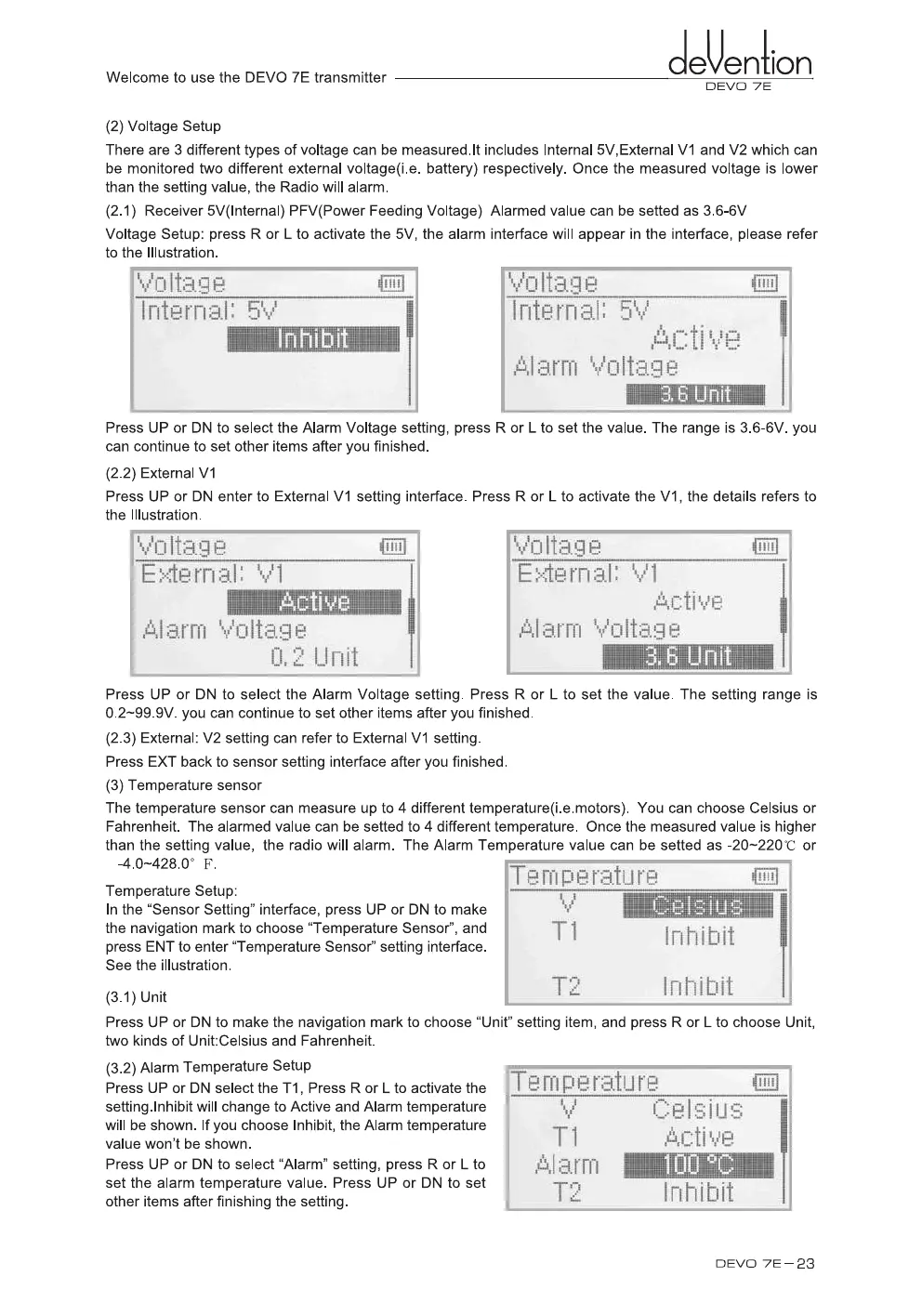
e Setup: press R or L to activate the 5V, the alarm interface will appear in the interface, please refer
to the Illustration.
VO
'tag P
IItS,!3
13
aq
Internal: 5
Internal: 5%.
,
71
1111111
6
Press UP or DN to select the Alarm Volta
g
e settin
g
, press R or L to set the value. The ran
g
e is 3.6-6V. you
can continue to set other items after you finished.
(2.2) External V1
Press UP or DN enter to External V1 settin
g
interface. Press R or L to activate the V1, the details refers to
the Illustration.
Press UP or DN to select the Alarm Volta
g
e settin
g
. Press R or L to set the value. The settin
g
ran
g
e is
0.2-99.9V. you can continue to set other items after you finished.
(2.3) External: V2 settin
g
can refer to External V1 settin
g
.
Press EXT back to sensor settin
g
interface after you finished.
(3) Temperature sensor
The temperature sensor can measure up to 4 different temperature(i.e.motors). You can choose Celsius or
Fahrenheit. The alarmed value can be setted to 4 different temperature. Once the measured value is hi
g
her
than the settin
g
value, the radio will alarm. The Alarm Temperature value can be setted as -20-220°C or
-4.0-428.0° F.
Temperature Setup:
In the "Sensor Settin
g
" interface, press UP or DN to make
the navi
g
ation mark to choose "Temperature Sensor", and
press ENT to enter "Temperature Sensor" settin
g
interface.
See the illustration.
(3.1) Unit
Te
MP
erature
ui
T1
T2
Inhibit
Inhibit
Press UP or DN to make the navi
g
ation mark to choose "Unit" settin
g
item, and press R or L to choose Unit,
two kinds of Unit:Celsius and Fahrenheit.
(3.2) Alarm Temperature Setup
Press UP or DN select the T1, Press R or L to activate the
settin
g
.lnhibit will chan
g
e to Active and Alarm temperature
will be shown. If you choose Inhibit, the Alarm temperature
value won't be shown.
Press UP or DN to select "Alarm" settin
g
, press R or L to
set the alarm temperature value. Press UP or DN to set
other items after finishin
g
the settin
g
.
DEVO 7E
-
23


 To Next Page