Left non-
slipping block
left lateral non
slipping block
Welcome to use the DEVO 7E transmitter
cleUention
DEVO 7E
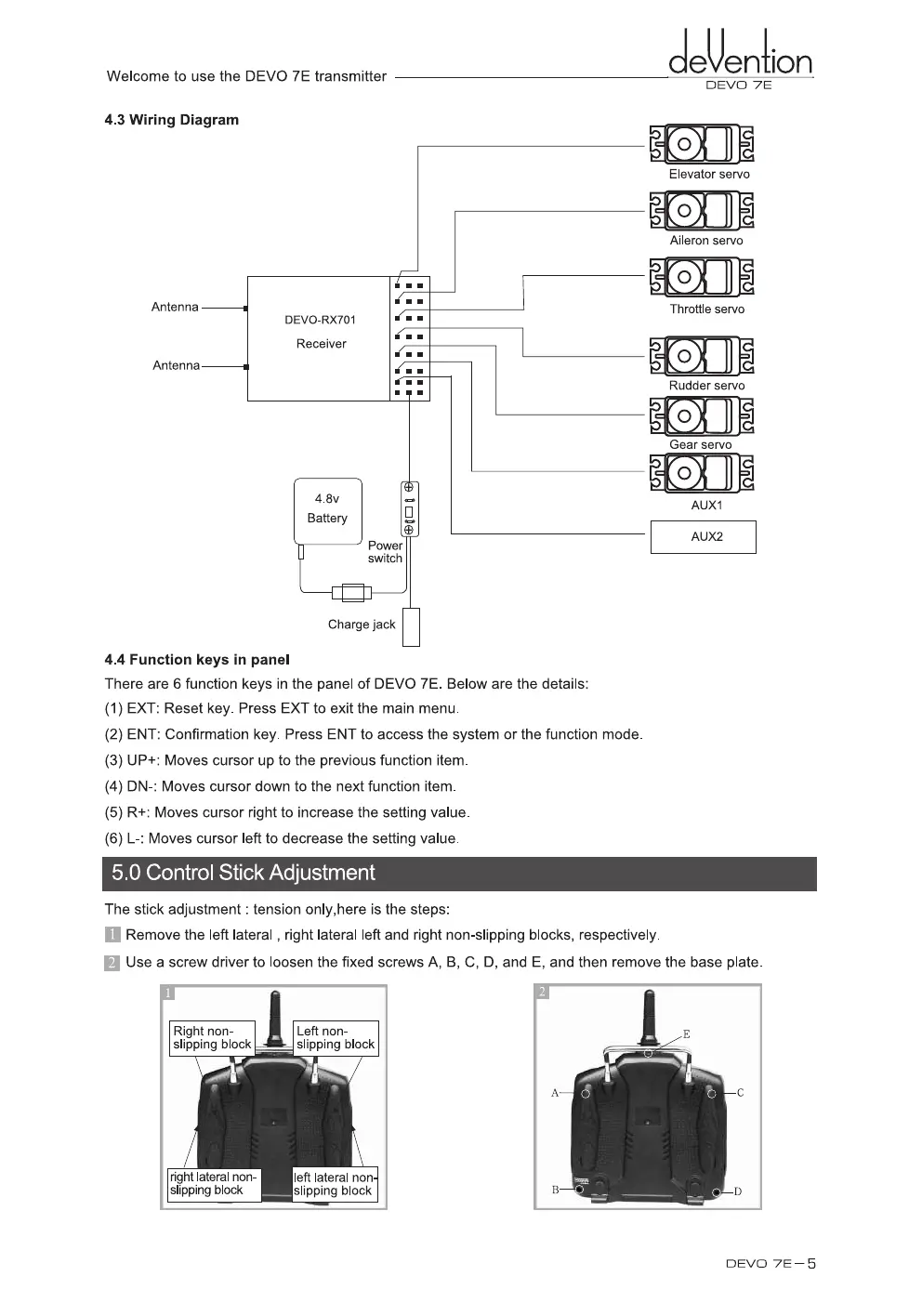
4.3 Wiring Diagram
Elevator servo
Aileron servo
Throttle servo
Antenna
Antenna
DEVO-RX701
Receiver
ror
Rudder servo
4.8v
Battery
0
c
ET;
Power
switch
AUX1
A U X2
—
1 I H
Charge jack
4.4 Function keys in panel
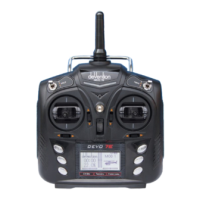
There are 6 function keys in the panel of DEVO 7E. Below are the details:
(1)
EXT: Reset key. Press EXT to exit the main menu.
(2)
ENT: Confirmation key. Press ENT to access the system or the function mode.
(3)
UP+: Moves cursor up to the previous function item.
(4)
DN-:
Moves cursor down to the next function item.
(5)
R+: Moves cursor right to increase the setting value.
(6)
L-: Moves cursor left to decrease the setting value.
5.0 Control Stick Adjustmen
The stick adjustment : tension only,here is the steps:
II Remove the left lateral , right lateral left and right non-slipping blocks, respectively.
El Use a screw driver to loosen the fixed screws A, B, C, D, and E, and then remove the base plate.
DEVO 7E — 5


 To Next Page