INT
7
Notice:
The floor temperature is measured where the sensor is
placed. The temperature of the bottom of a wooden floor
can be up to 10 degrees higher than the top. Floor manu-
factures often specify the max. temperature on the top
surface of the floor.
Please contact your floor supplier for maximum surface
temperature.
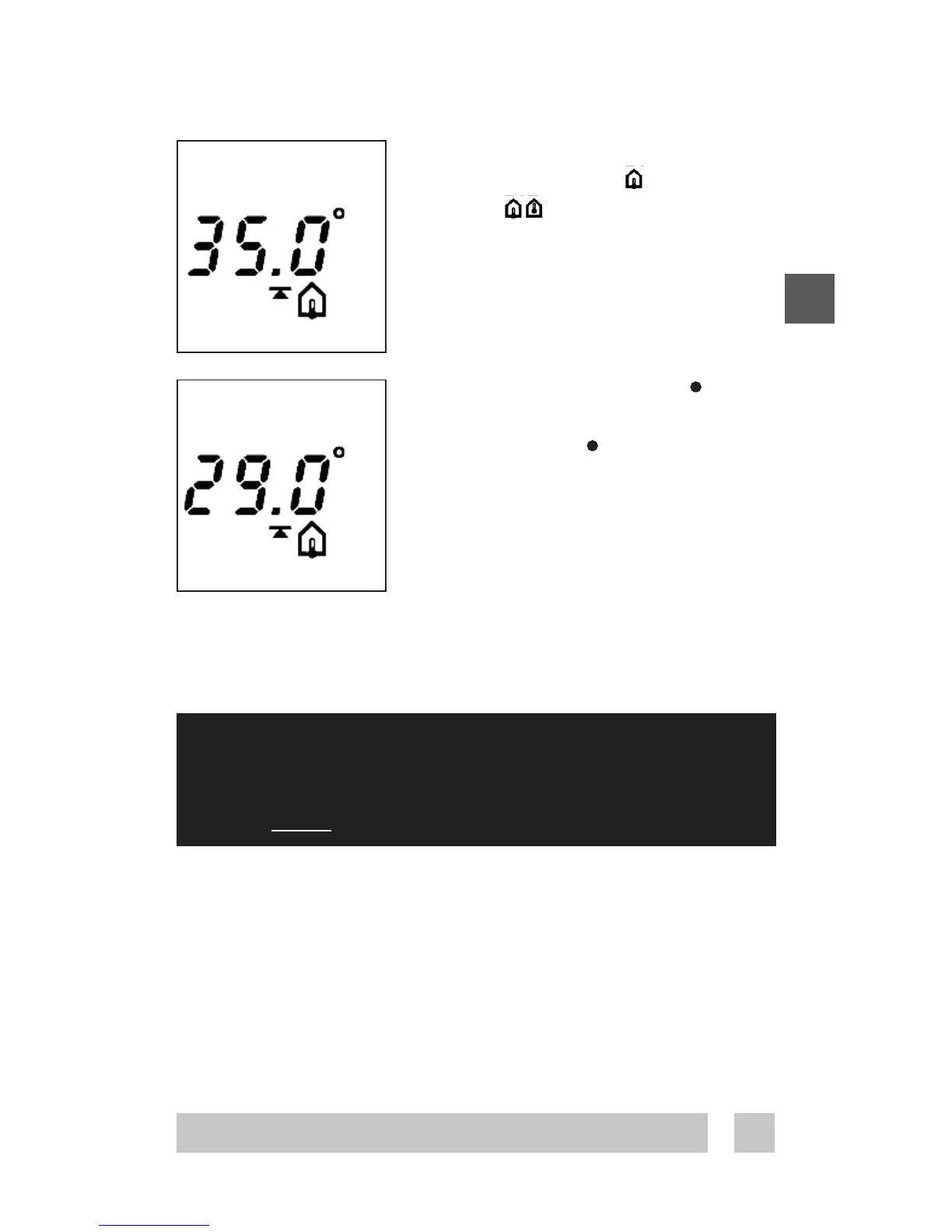
Maximum floor temperature.
When selecting either floor
sensor or floor and room
sensors, next screen is maximum
floor temperature.
Default setting is 35°C.
To change this setting, press • and
use the arrow buttons ▲▼ to select
your choice. Press • to accept your
choice.
If you have selected a combination of
room and floor sensor, the installa-
tion procedure is complete.
Press installation button to accept.
(Go to page 9)
If you have selected floor sensor only
press ▲▼ for the next setting.
Configuration - Max. floor temp.
When the thermostat is used to control a floor heating
element according to EN/IEC 60335-1 and
EN/IEC 60335-2-96, always use the floor sensor
and never set the temperature limit above 35°C.




 To Next Page