6
Selection of sensor type
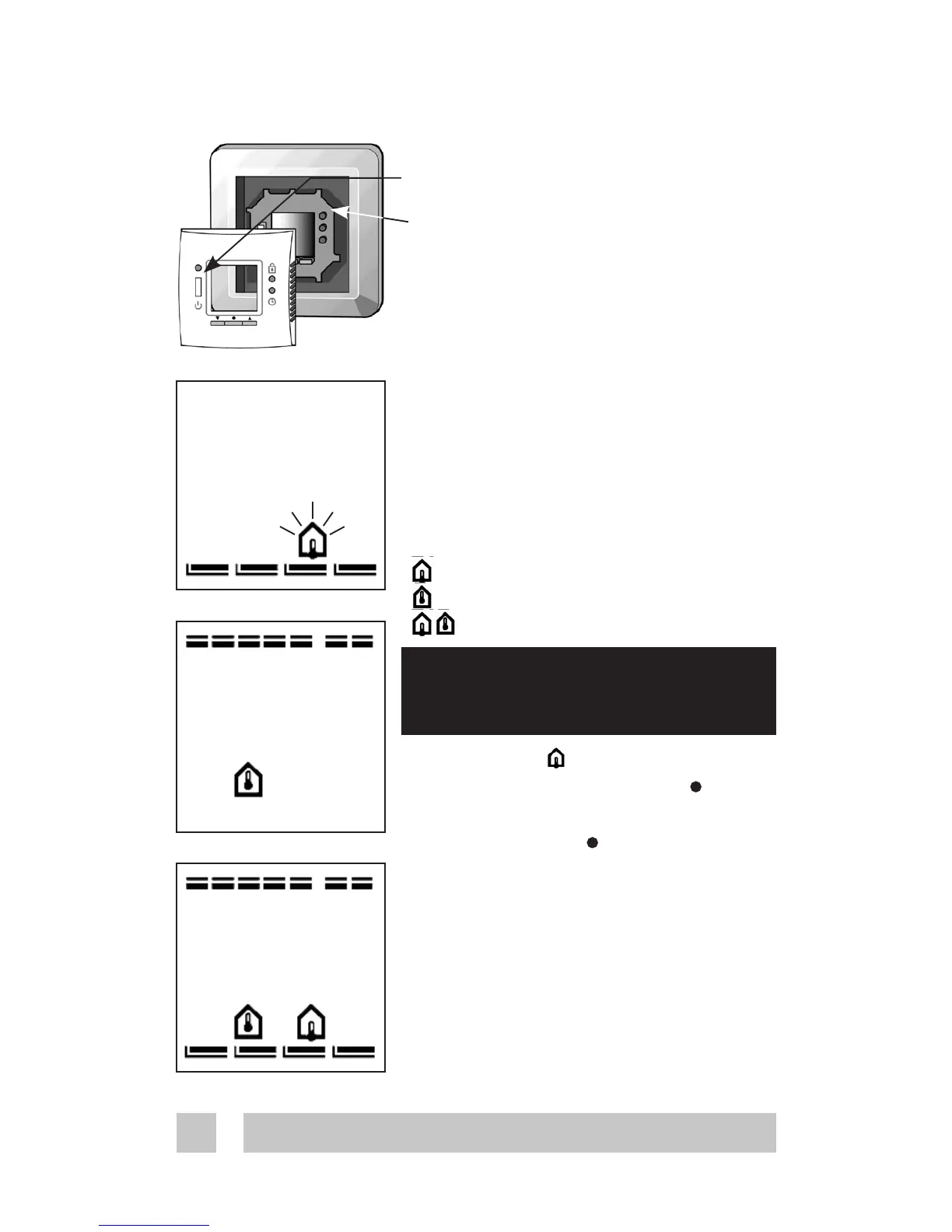
Power on the thermostat.
With the front off, with a small screw-
driver, pencil, or needle press the
installation button.
Select the sensors to be used for the
heating system:
Devireg
TM
535 is able to use two
sensors:
- a built-in room sensor
- an external sensor to be placed
in the floor.
This gives 3 options:
floor sensor.
room sensor.
both room and floor sensor.
The default is
To change this setting, press • and
use the arrow buttons ▲▼ to select
your choice. Press • to accept your
choice.
If you have selected room sensor
only, the installation procedure is
complete. Press installation button
to accept. (Go to page 9).
If you have selected floor sensor or a
combination of room- and floor sen-
sor press ▲▼ for the next setting.
Configuration - sensor
Always use floor sensor or a room
+ floor sensor combination when
used to control floor heating





 To Next Page