76
INSTRUCTIONS FOR USE
INSTAFOLD™ POWERCHAIR
EN
• Wait for two seconds after start up, and then gently press the joystick in any direction. The battery indication light
should be on.
• Rotate the joystick in all directions and ensure the front wheels rotate freely.
• Release the joystick after moving in any direction. The joystick should
• immediately return to the middle position and the powerchair should stop.
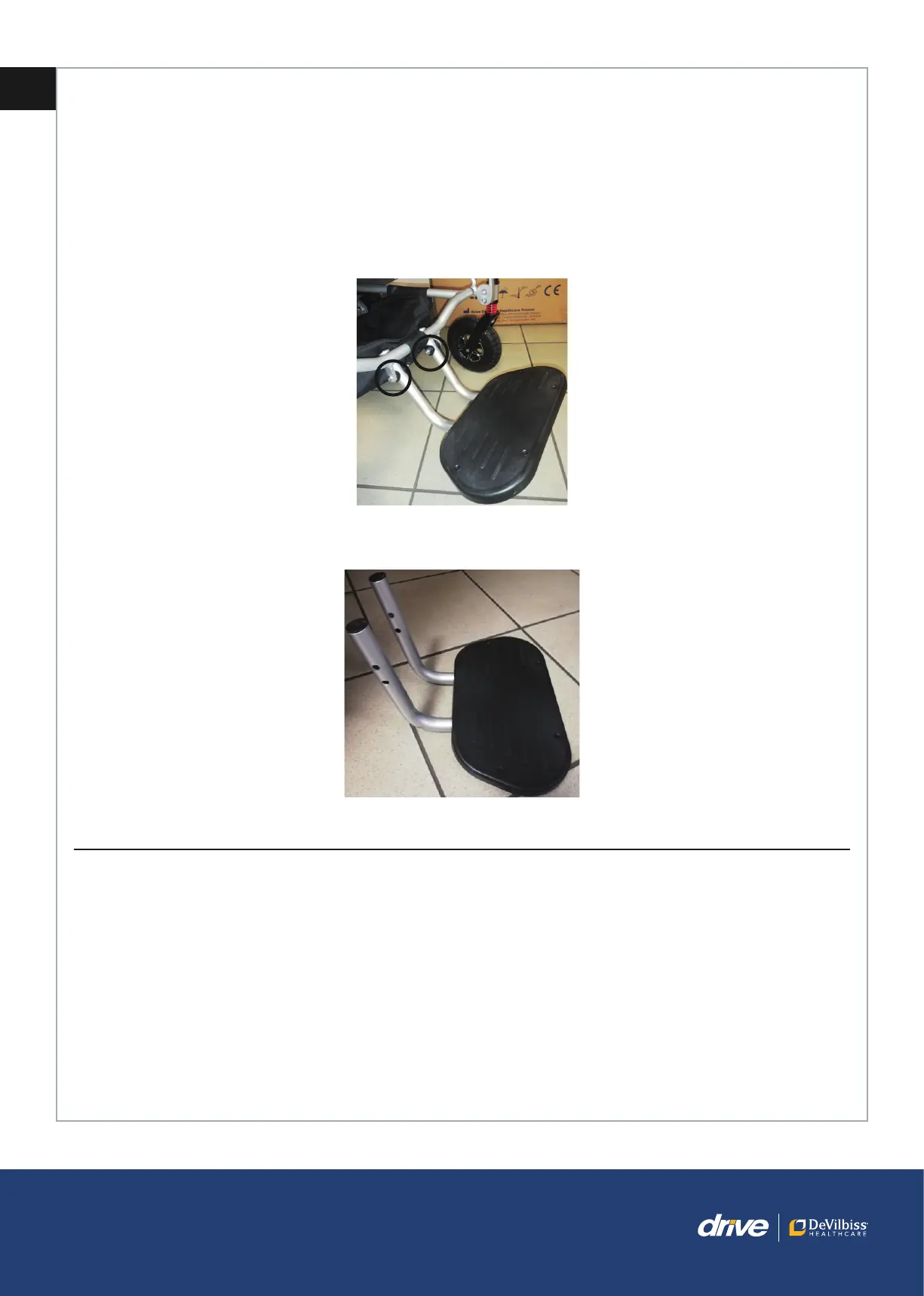
8.5 Adjusting the footrest plate
1. Remove the nuts and the fixing screws.
2. Select the desired height for the footrest plate.
3. Reinstall the mounting bolts and nuts.
9. OPERATION OF THE INSTAFOLD™ POWERCHAIR
9.1 Operational Limits
Ambient temperature: 0°C to +40°C
Humidity: 20% to 85% RH
9.2 Control Panel
Please refer to the diagram below to identify your InstaFold™ Powerchair control panel and its functions. Familiarise
yourself with the terminology to better understand references throughout these instructions.



 To Next Page