Network configuration 31
devolo dLAN 500 AV Wireless+
5 Network configuration
The dLAN 500 AV Wireless+ has a built-in configura-
tion interface that can be called up using a standard
web browser. All settings for operating the device can
be modified here.
5.1 Calling up the built-in configu-
ration interface
You can access the built-in online configuration inter-
face for the dLAN 500 AV Wireless+ in different ways:
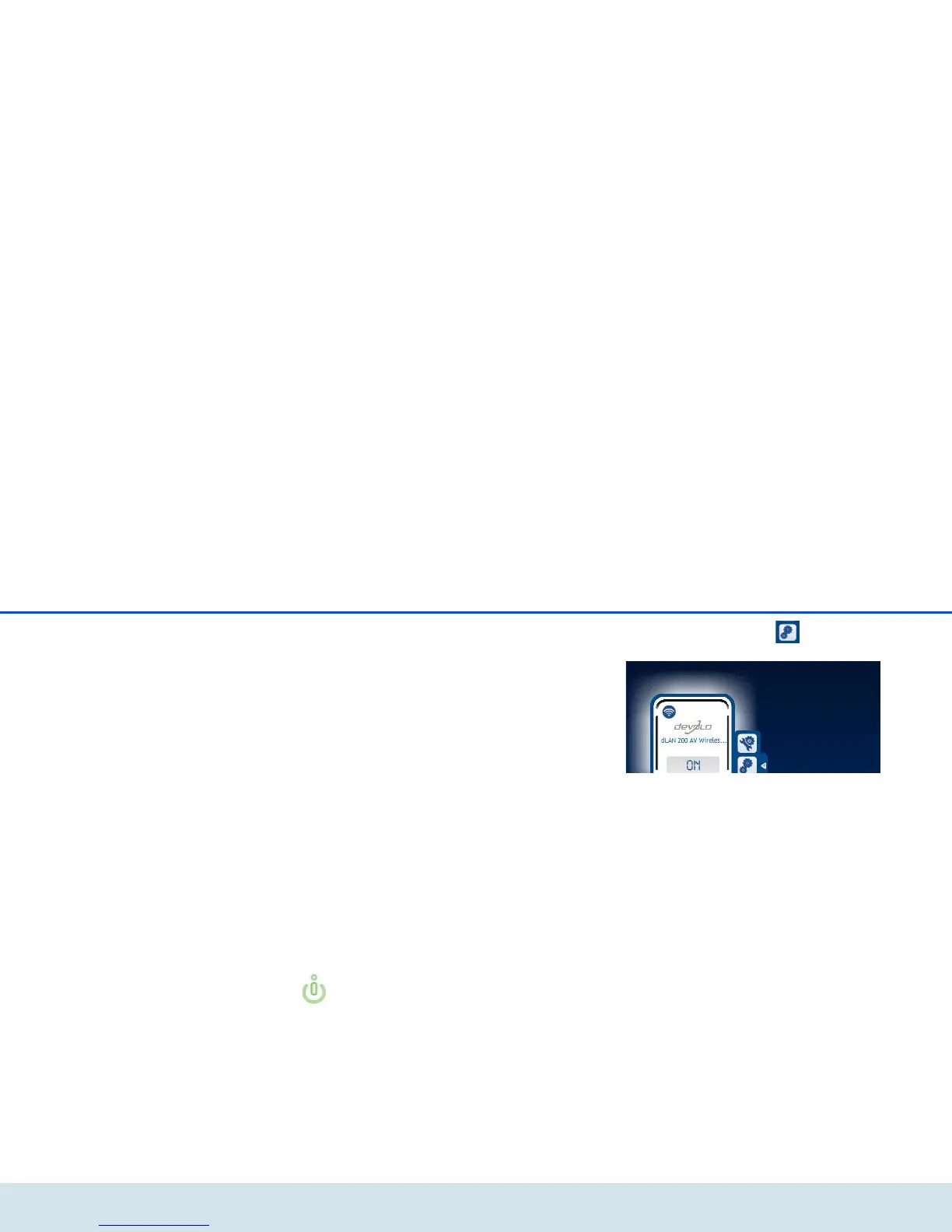
쎲 Using dLAN Cockpit App on your smartphone
or tablet PC, you can access the device's configu-
ration interface by going to the overview page
of dLAN Cockpit App and tapping on the gear/
arrow.
You can find more information on
dLAN Cockpit App in Chapter 4.2
dLAN Cockpit App.
쎲 Using dLAN Cockpit software under Start All
Programs devolo dLAN Cockpit, you can
get to the device's configuration interface by click-
ing on the tab for the
dLAN500AVWireless+.
Then the program determines the current IP address
and starts the configuration in the web browser.
쎲 In addition, you can call up the device's
configuration interface by entering the host name
dlanwireless.local into your web browser's
address line.
By default, you will come directly to the configuration
interface. However, if a login password was set via the
option Device configuration Security, you have
to enter this first (see 5.4.1 Security).



 To Next Page