42 Network configuration
devolo dLAN 500 AV Wireless+
5.4.3 dLAN settings
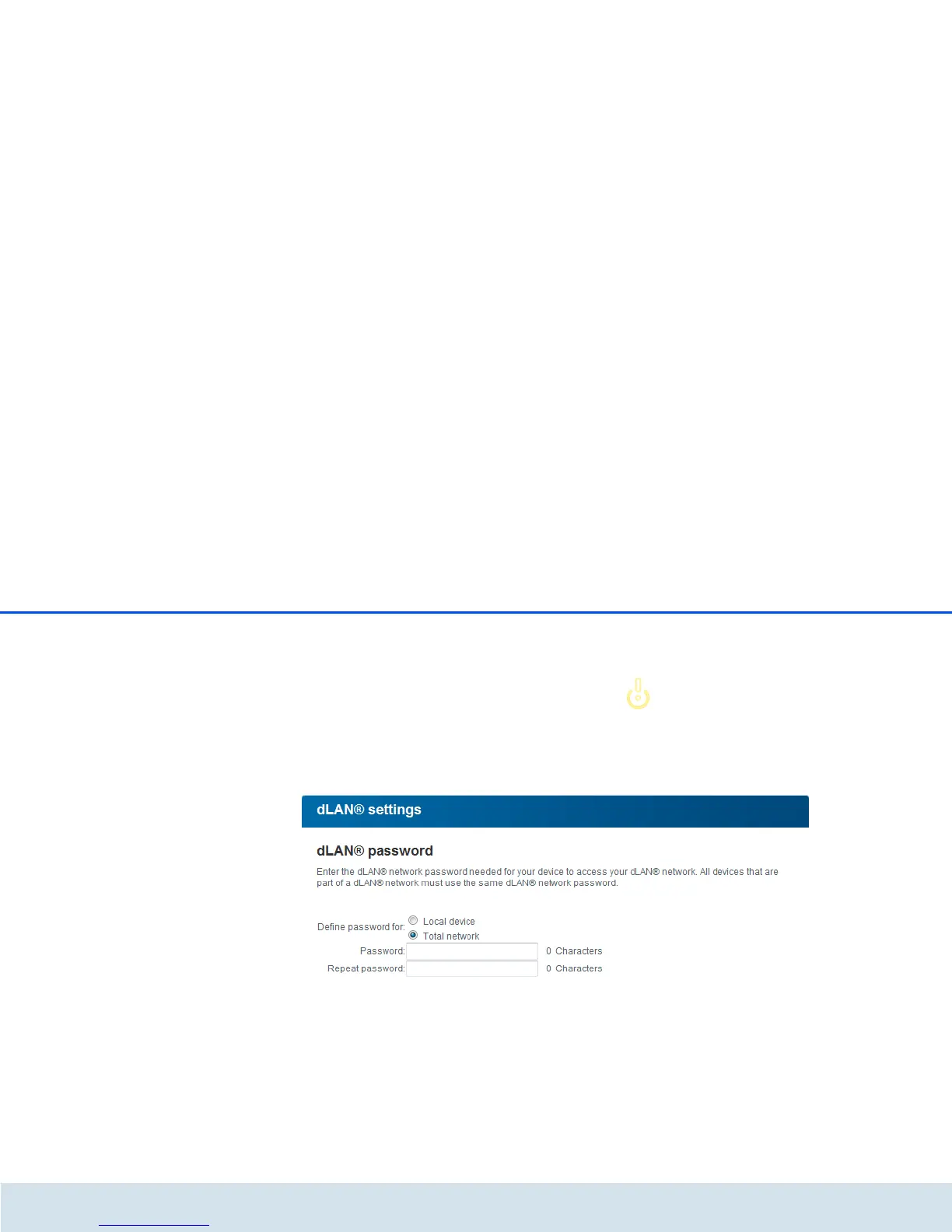
In a dLAN network, all connected components must
use the same password. The dLAN password can be
defined in dLAN Cockpit App or dLAN Cockpit, via
the dLAN encryption button (see Chapter 4 dLAN
network) or at this spot in the configuration interface.
You can choose to configure the password locally or
for the entire ("Total") network.
If you only change the password for a Local device,
you exclude it from your Total dLAN network.
The dLAN default password is
HomePlugAV.



 To Next Page