Network configuration 35
devolo dLAN 500 AV Wireless+
5.3.1 dLAN status
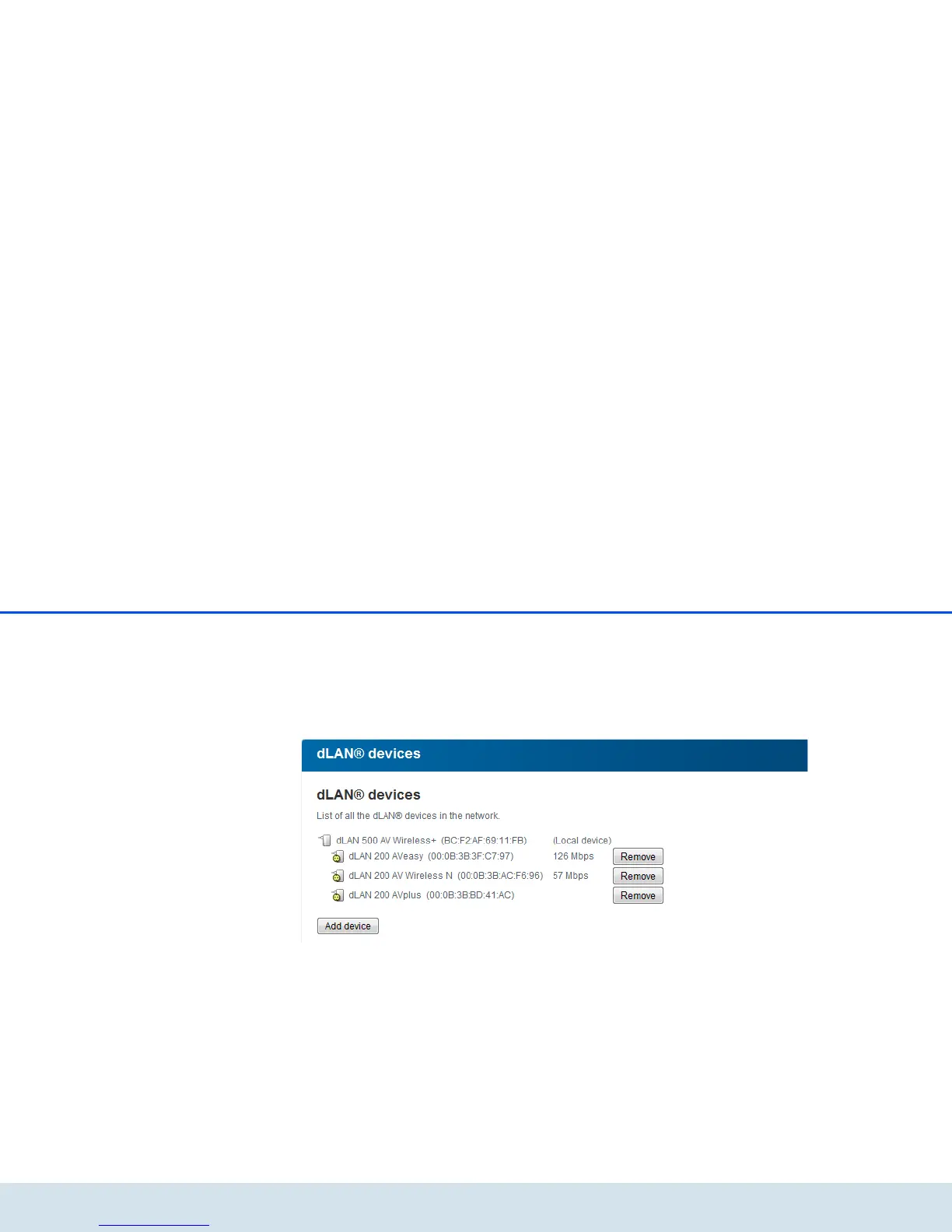
To display all connected dLAN devices, click either the
house icon or the dLAN devices arrow. Each con-
nected dLAN device, regardless of whether it is con-
nected locally or remotely in the network, is displayed
with its MAC address, name and type. Clicking or tap-
ping the lock icon brings you directly to the dLAN set-
tings (see 5.4.3 dLAN settings).
You can add additional dLAN devices to your dLAN
network by tapping or clicking on Add device. To do
this, enter the security ID for the respective dLAN
adapter in the Security ID field and confirm with
Save.



 To Next Page