Network configuration 37
devolo dLAN 500 AV Wireless+
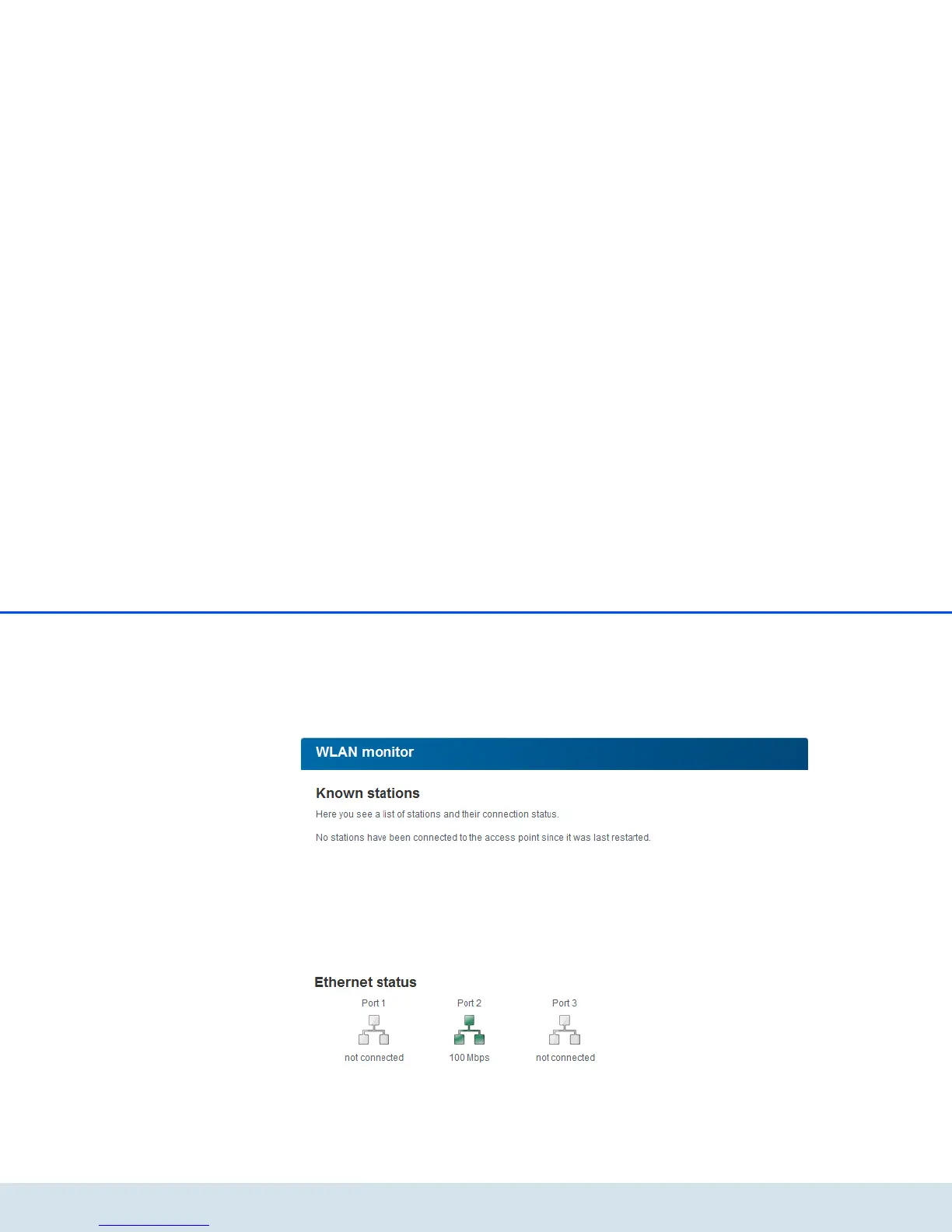
5.3.2 WLAN monitor
Click on either the WLAN icon or the WLAN monitor
arrow to have all of the known WLAN devices dis-
played. Each WLAN station known since the last sys-
tem start is displayed together with its name, MAC and
IP address and the last login date, along with the
speed if possible. Clicking or tapping the lock icon
brings you directly to the WLAN configuration area
(see 5.5 WLAN configuration), where you can con-
figure settings for WLAN network security.
5.3.3 Ethernet status
The status and connection speed for the three network
jacks are shown in this area.



 To Next Page