Network configuration 39
devolo dLAN 500 AV Wireless+
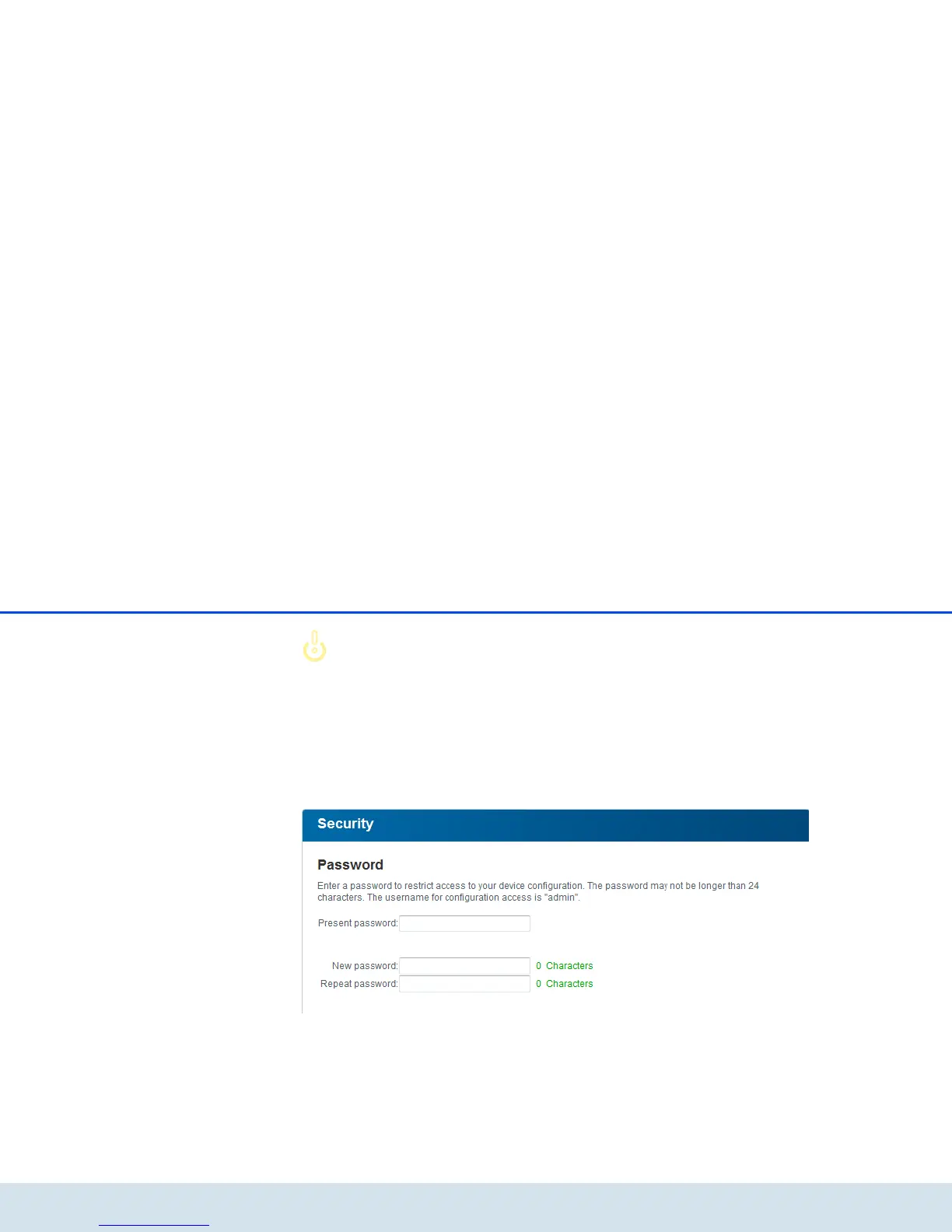
By default, the built-in configuration
interface of the
dLAN 500 AV Wireless+ is not protect-
ed with a password. However, we rec-
ommend assigning a password when
the installation of the
dLAN 500 AV Wireless+ is complete to
protect it against tampering by third
parties.
햲 To do so, first enter (if present) the current pass-
word and then enter the desired new password
twice. Now the configuration interface is pro-
tected against unauthorised access with your indi-
vidual password!



 To Next Page