56 Network configuration
devolo dLAN 500 AV Wireless+
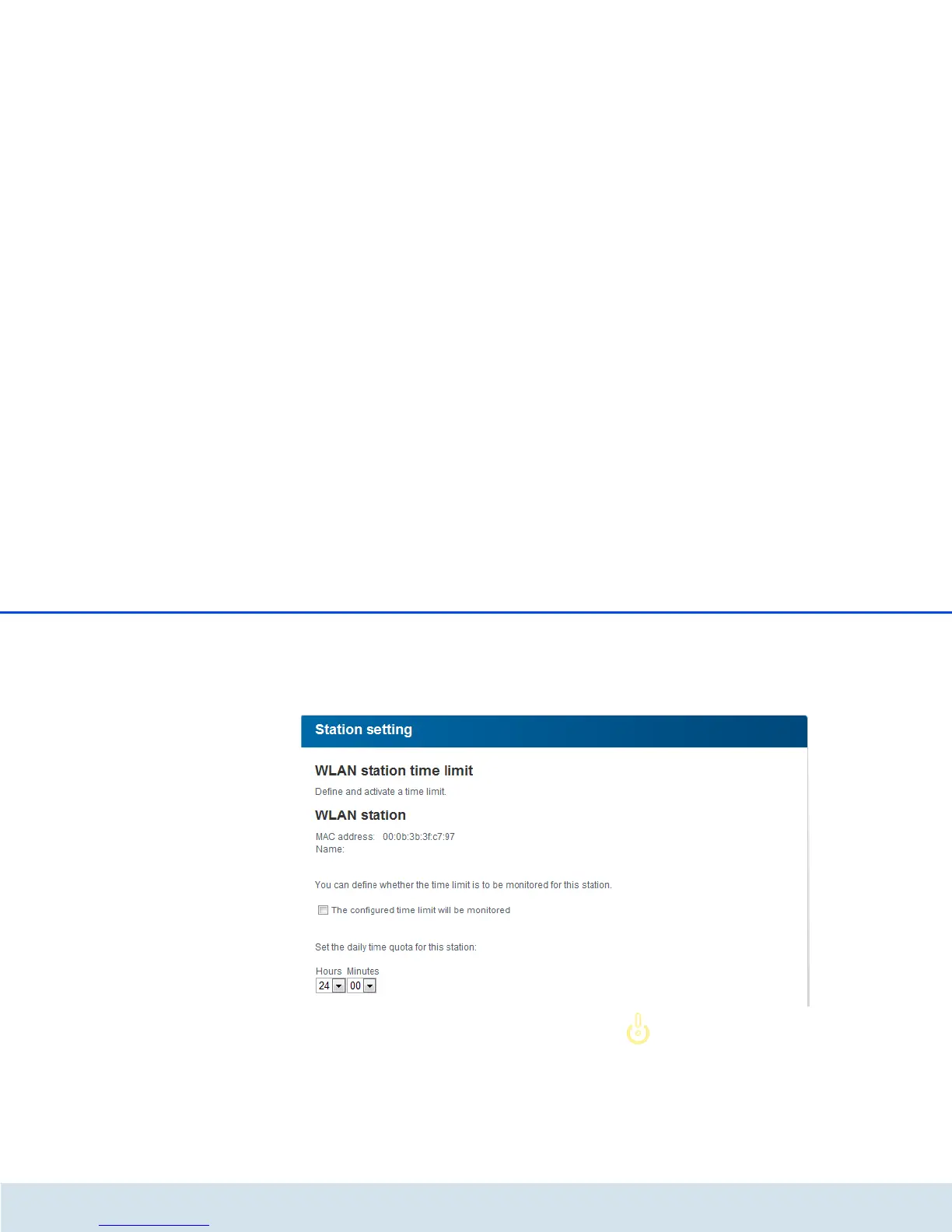
Clicking or tapping on Edit brings you to the settings
menu for the time quota. If you would like the time
quota to be monitored, enable the option The config-
ured time limit will be monitored.
The daily time quota can be specified in hours and
minutes.
A time quota can only be used if it matches the time
periods defined in the WLAN time control and if the
dLAN 500 AV Wireless+ is enabled and there is an
Internet connection. (see 5.5.5 WLAN time control).
The time quotas for the parental controls are de-
fined per day and the time periods for WLAN time
control are defined per weekday.
If you expand an ongoing time quota,
the change takes effect immediately; if
you reduce an ongoing time quota, the
change takes effect on the following
day.



 To Next Page