39 Configuration
devolo Giga Bridge
Resetting an adapter or removing it from a net-
work
1 To remove a devolo Giga Bridge adapter from
your network, click on Leave G.hn network.
2 Wait until the LED flashes white and then dis-
connect the devolo Giga Bridge adapter from
the mains supply.
Both devolo Giga Bridge adapters have to
be configured identically (SISO or MIMO
mode) in order to establish a connection
with each other.
Be aware that new or reset devolo Giga Bridge
adapters will not be found and integrated
automatically if the existing devolo Giga Bridge
adapters are in MIMO mode. Set all
devolo Giga Bridge adapters back to SISO mode
to enable integration of new
devolo Giga Bridge adapters.
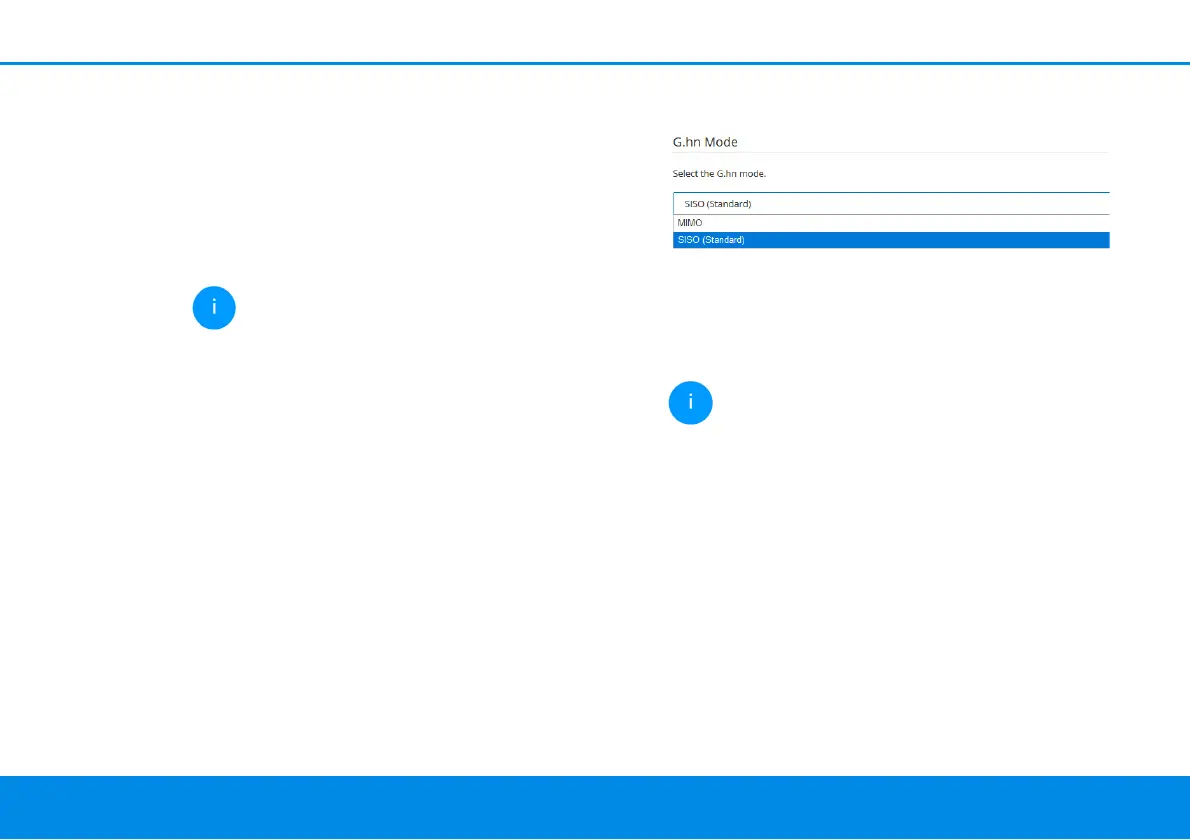
G.hn mode
Depending on whether you have connected the
two devolo Giga Bridge adapters via a telephone
or coaxial line, the SISO or MIMO operating modes
are available to you. If you use all four telephone
lines during installation via telephone line, you can
select MIMO mode here.
Operating mode:
b MIMO
b SISO
You can find more information on the differ-
ence between SISO and MIMO mode in
Chapter Difference between SISO and
MIMO mode.
SISO operating mode is set by default.



 To Next Page