Appendix
|
|
devolo MicroLink ISDN i
|
60
EN
4 Appendix
4.1 Status display and troubleshooting
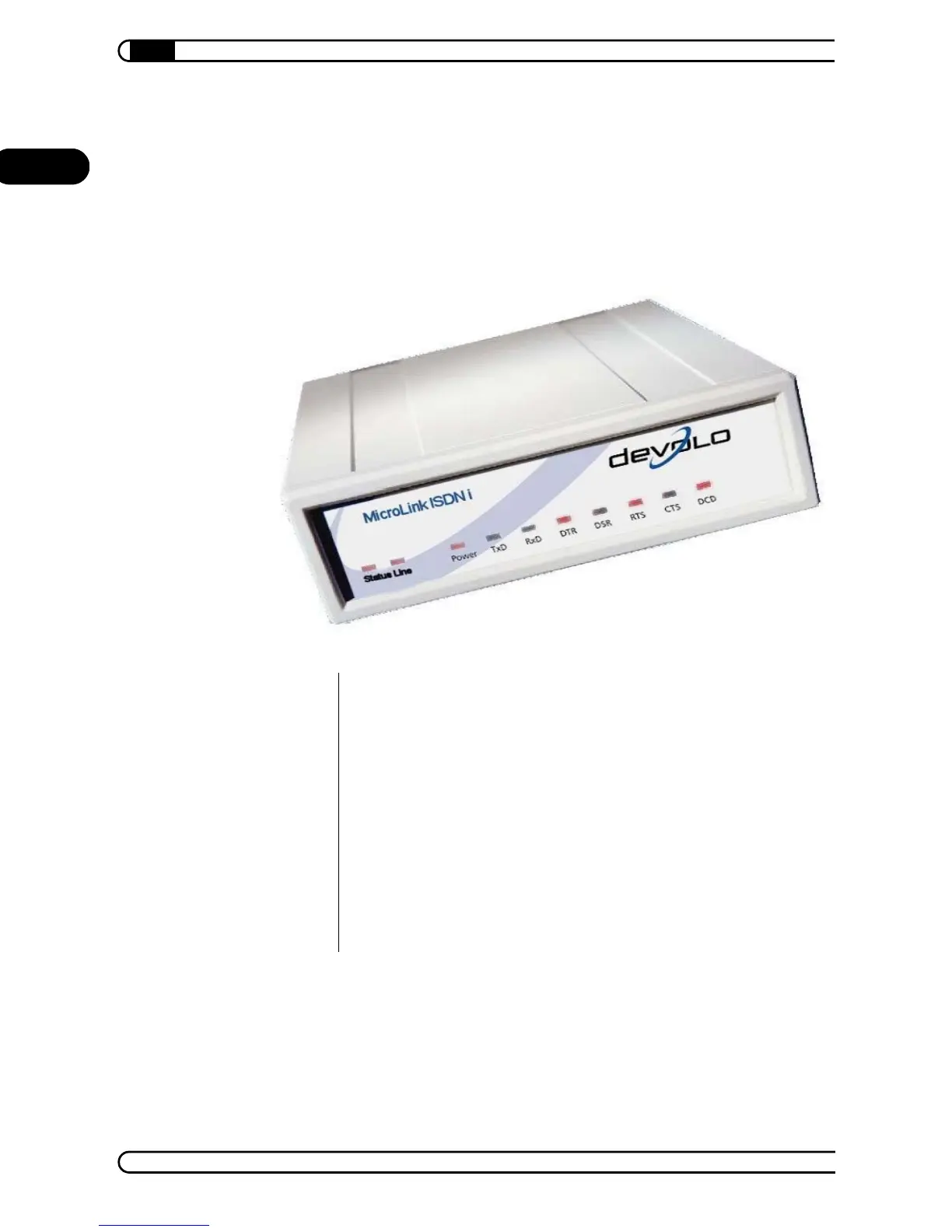
The LEDs on the front panel show the condition of the interface lines or the
condition of the modem.
4.1.1 Status display
Green and yellow LEDs on the front panel of the ISDN terminal adapter serve
as the status display of the ISDN connection.
S
0
status
S
0
line
Power
TxD (D1)– Data or command from local PC to ISDN modem
RxD (D2) – Data or messages from ISDN modem to local PC
DTR (S1)– Computer operational
RTS (S2) – Switch on transmit
CTS (M2) – ISDN modem clear to send
DCD (M5) – Connection established (red and green LED)



 To Next Page