What It Does
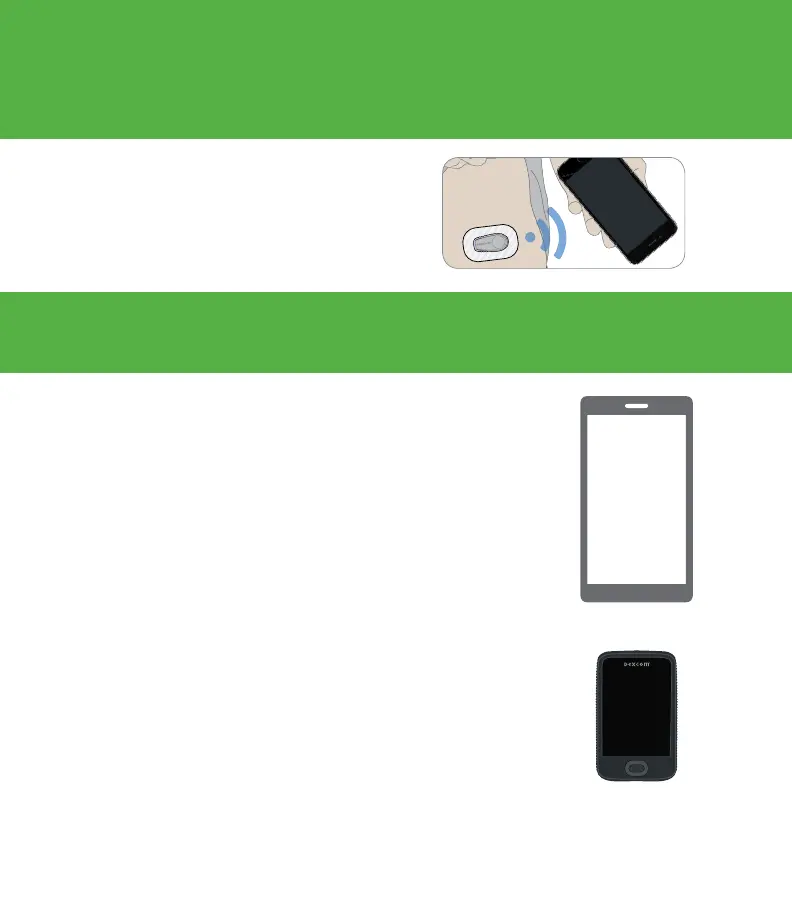
The G6 sends G6 sensor glucose readings
(G6 readings) to your display device.
The receiver is a dedicated medical device. Your smart
device is not, even though you can run the G6 app on it. Your
smart device is not a dedicated medical device because the
app could miss an alarm/alert just because it is on a smart
device—for example, due to smart device settings, smart
device or app shutting off, low battery, etc.
Use tabs below to set up the app,
receiver, or both
Want to set up both? Pick one to set up first and turn to
that tab. The last step shows you how to set up the second
display device. Do not use both tabs.
For other ways to learn how to set up your G6:
• Watch the tutorial at: dexcom.com/downloadsandguides
• Contact Technical Support
Your smart device
Dexcom
receiver
Choose App, Receiver, or Both



 To Next Page