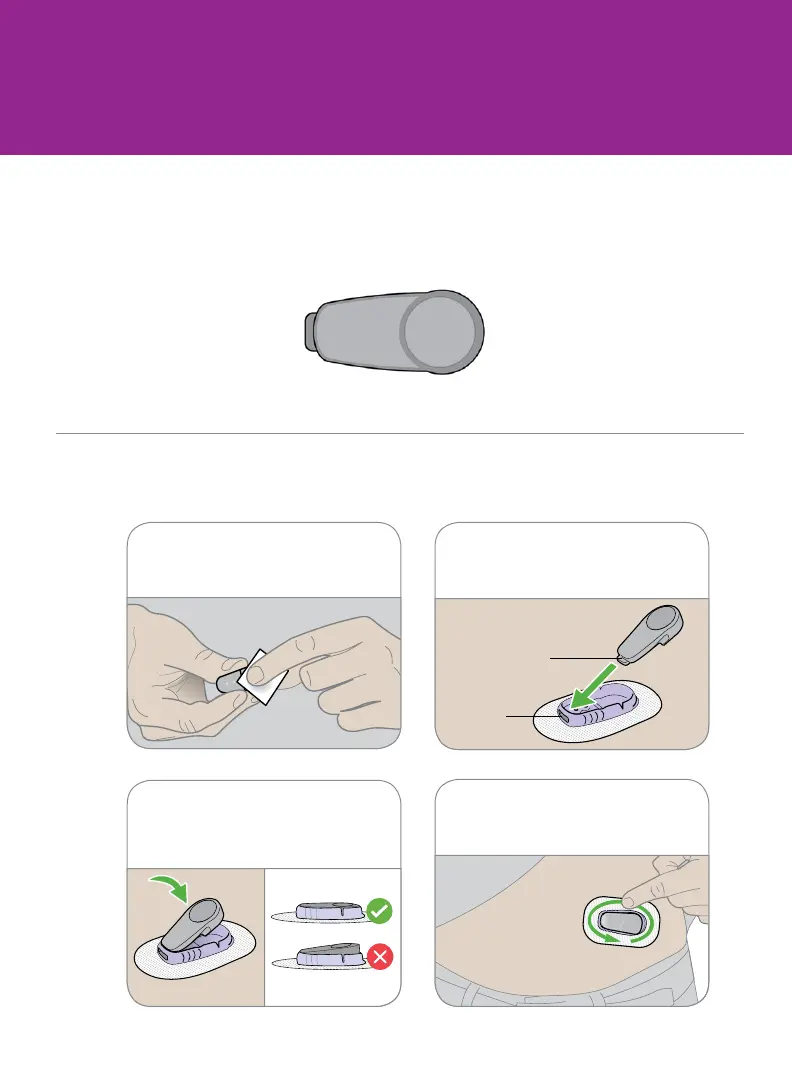
Step 3: Attach Transmitter
A Take transmitter out of box
B Snap in transmitter
4 Rub around patch 3 times.3 Snap in transmitter. It clicks
into place. Make sure it is flat
and snug in holder.
1 Clean transmitter with alcohol
wipe.
2 Insert transmitter, tab first,
into holder.



 To Next Page