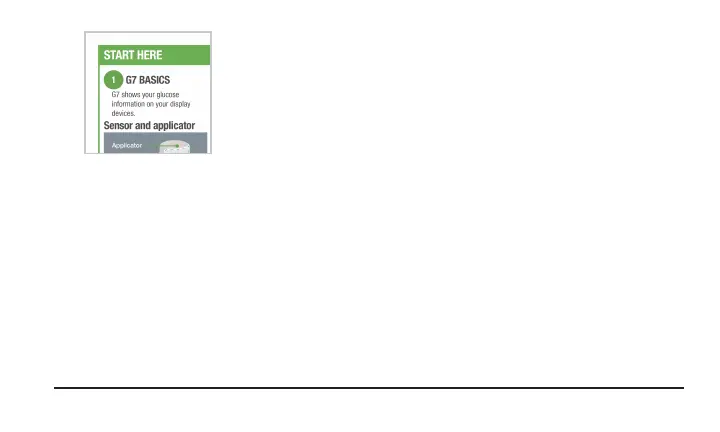
To insert your sensor, use the Inserting Sensor instructions at the
bottom of Start Here in the sensor box.
This G7 Using Your Receiver Guide introduces you to the display device screens, leads you
through making treatment decisions, and shows you how to move to your next sensor session.
Images are representational. Your display device screens and components may look different.
Contact information
Dexcom has three support teams to help you. Go to dexcom.com/contact to connect with
them or call:
1-888-738-3646
1 • Welcome | Dexcom G7 Using Your Receiver 3



 To Next Page