Microsoft DirectX 9.0C Driver
(for Windows XP)
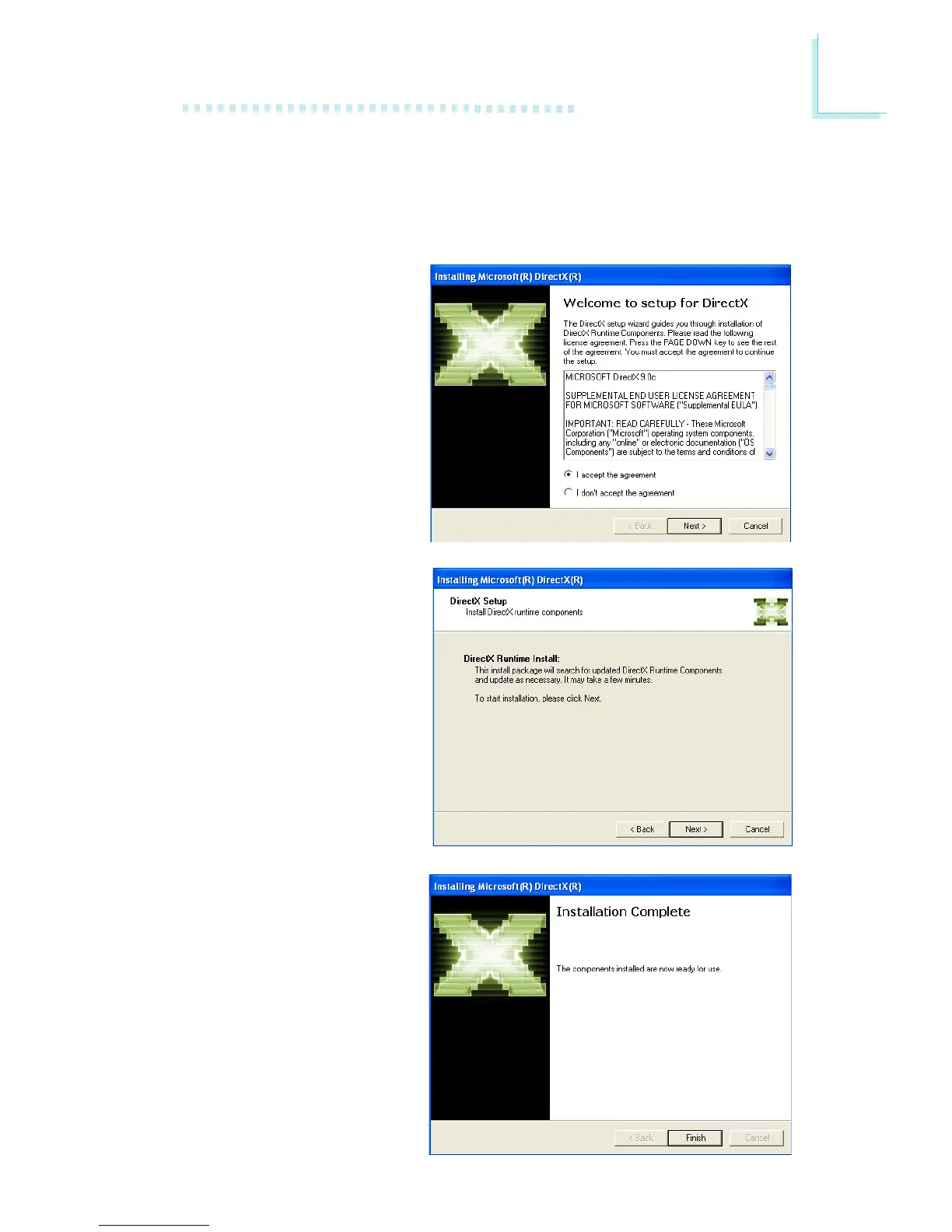
To install, click “Microsoft DirectX 9.0C Driver” on the main menu.
1. Click “I accept the agree-
ment” then click Next.
3. Click Finish. Reboot the
system for DirectX to take
effect.
2. You are now ready to install
DirectX. Click Next.



 To Next Page