20
2
Hardware Installation
CPU
Overview
The system board is equipped with a surface mount LGA 775
socket. This socket is exclusively designed for installing a LGA 775
packaged Intel CPU.
Impor tant:
1. Before you proceed, make sure (1) the LGA775 socket
comes with a protective cap, (2) the cap is not damaged
and (3) the socket’s contact pins are not bent. If the cap
is missing or the cap and/or contact pins are damaged,
contact your dealer immediately.
2. Make sure to keep the protective cap. RMA requests will
be accepted and processed only if the LGA775 socket
comes with the protective cap.
Installing the CPU
1. Make sure the PC and all other peripheral devices connected to
it has been powered down.
2. Disconnect all power cords and cables.
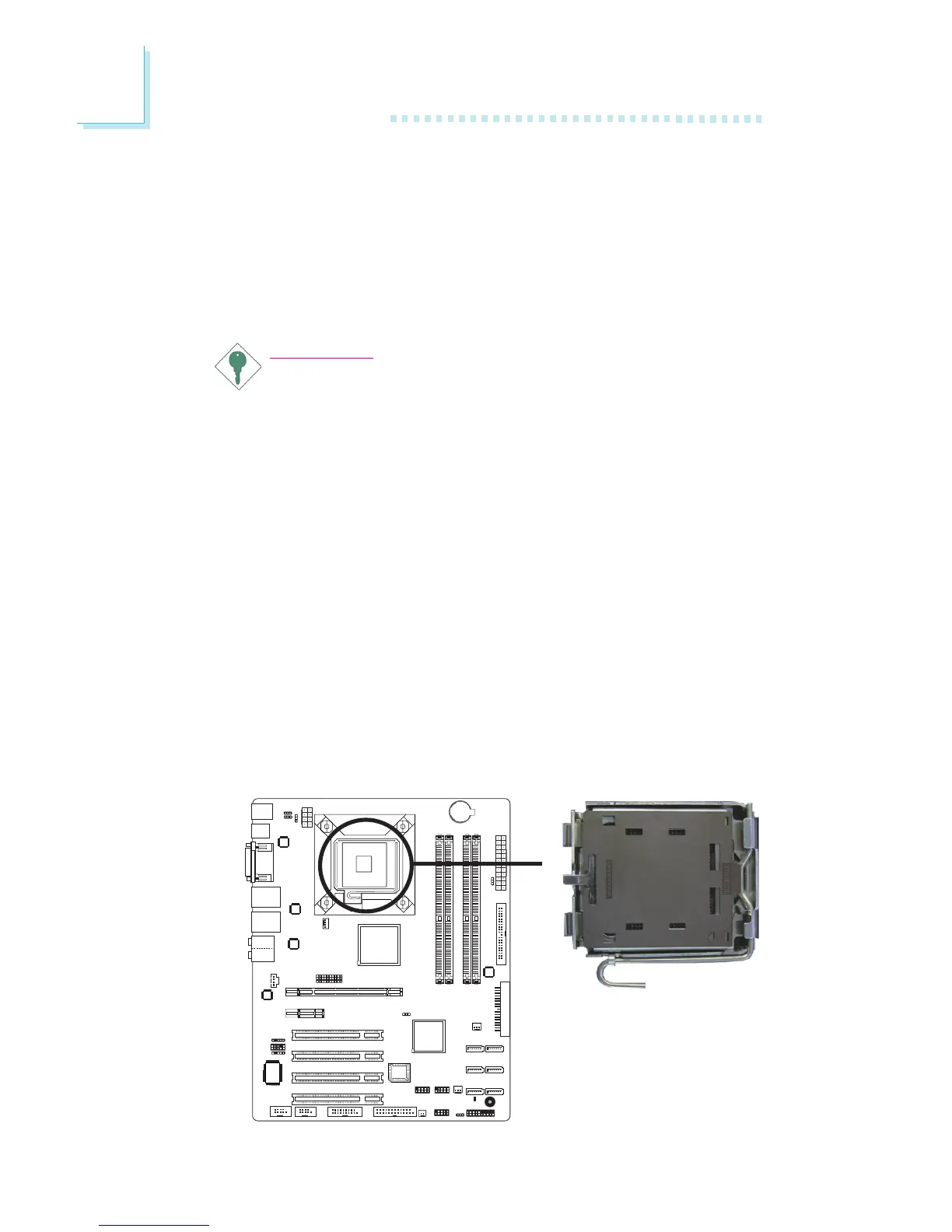
3. Locate the LGA 775 CPU socket on the system board.



 To Next Page