36
2
Hardware Installation
VGA
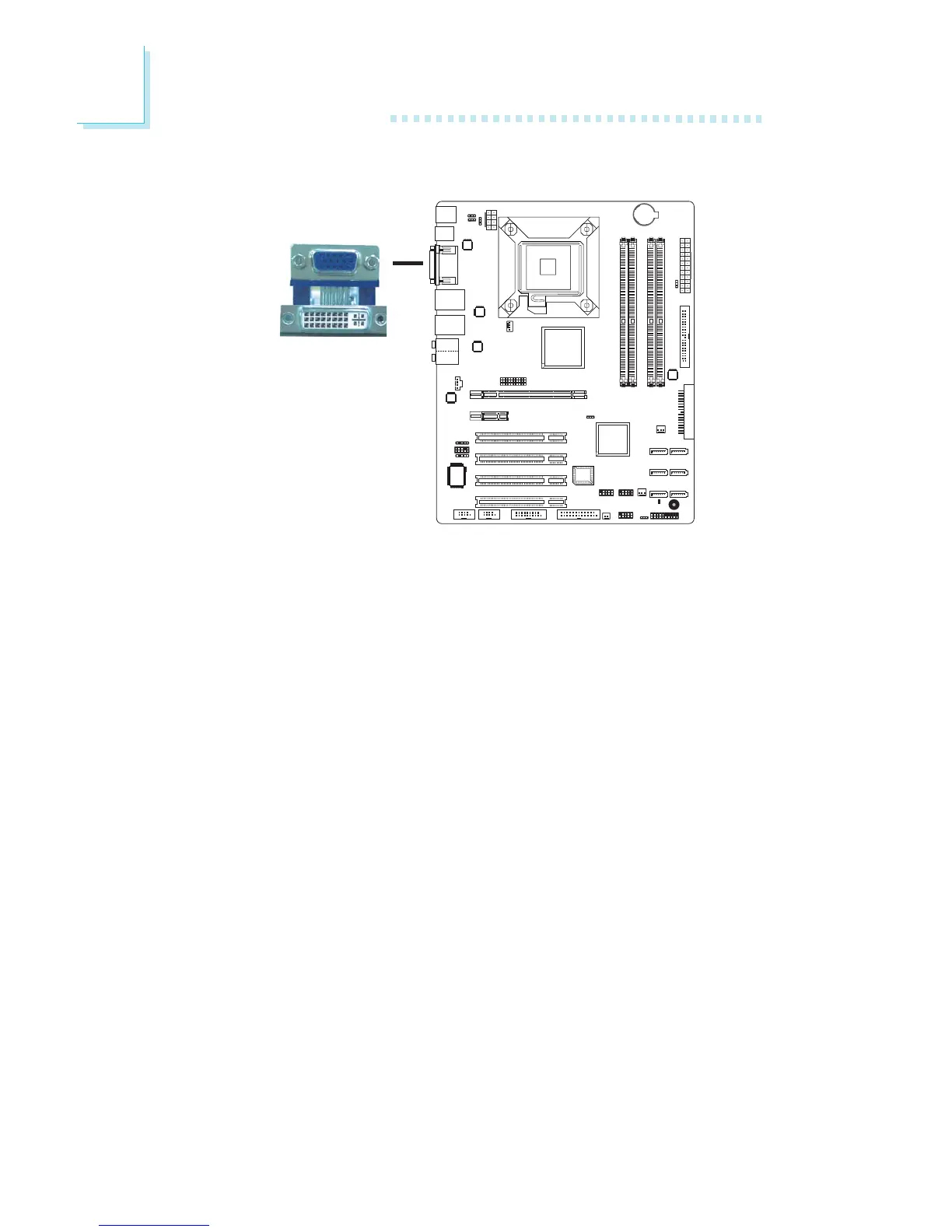
VGA Port
The VGA port is used for connecting a VGA monitor. Connect the
monitor’s 15-pin D-shell cable connector to the VGA port (Blue)
at location CN1. After you plug the monitor’s cable connector into
the VGA port, gently tighten the cable screws to hold the connec-
tor in place.
BIOS Setting
Configure the onboard VGA in the Advanced Chipset Features sub-
menu of the BIOS.
Driver Installation
Install the graphics driver. Refer to chapter 4 for more information.



 To Next Page