37
2
Hardware Installation
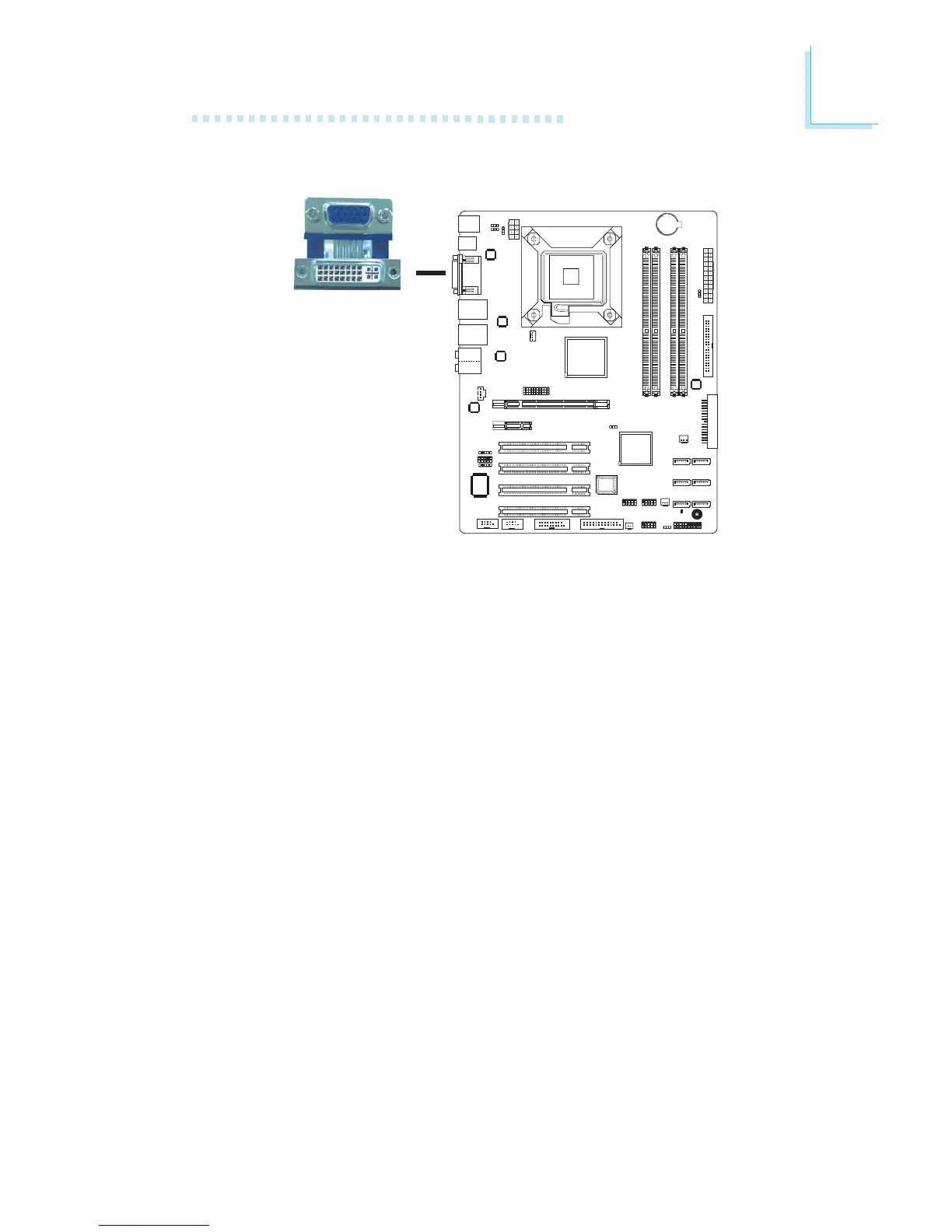
DVI-I Port
DVI-I
The DVI-I port is used to connect a digital LCD monitor or LCD
TV. This port supports DVI-D signal only.
Connect the display device’s cable connector to the DVI port at lo-
cation CN12. After you plug the cable connector into the DVI port,
gently tighten the cable screws to hold the connector in place.



 To Next Page