56
2
Hardware Installation
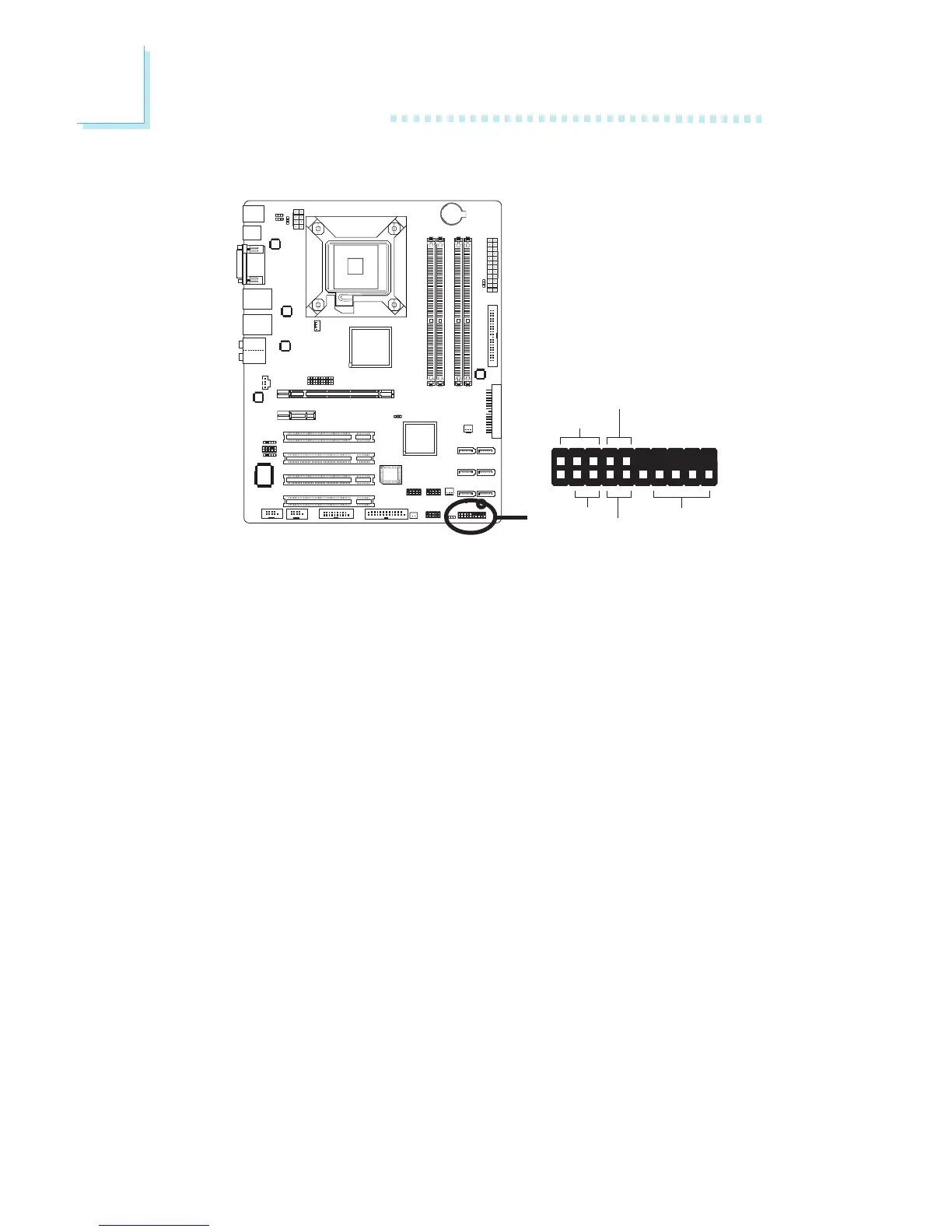
Front Panel Connectors
HD-LED: Primary/Secondary IDE LED and SATA HDD LED
This LED will light when the IDE and/or SATA hard drive is being
accessed.
RESET: Reset Switch
This switch allows you to reboot without having to power off the
system thus prolonging the life of the power supply or system.
SPEAKER: Speaker Connector
This connects to the speaker installed in the system chassis.
ATX-SW: ATX Power Switch
Depending on the setting in the BIOS setup, this switch is a “dual
function power button” that will allow your system to enter the
Soft-Off or Suspend mode. Refer to “Soft-Off By PWR-BTTN” in
the Power Management Setup (Chapter 3).
1
2
19
20
HD-LED
PWR-LED
ATX-SW
RESET
SPEAKER



 To Next Page