38
2
Hardware Installation
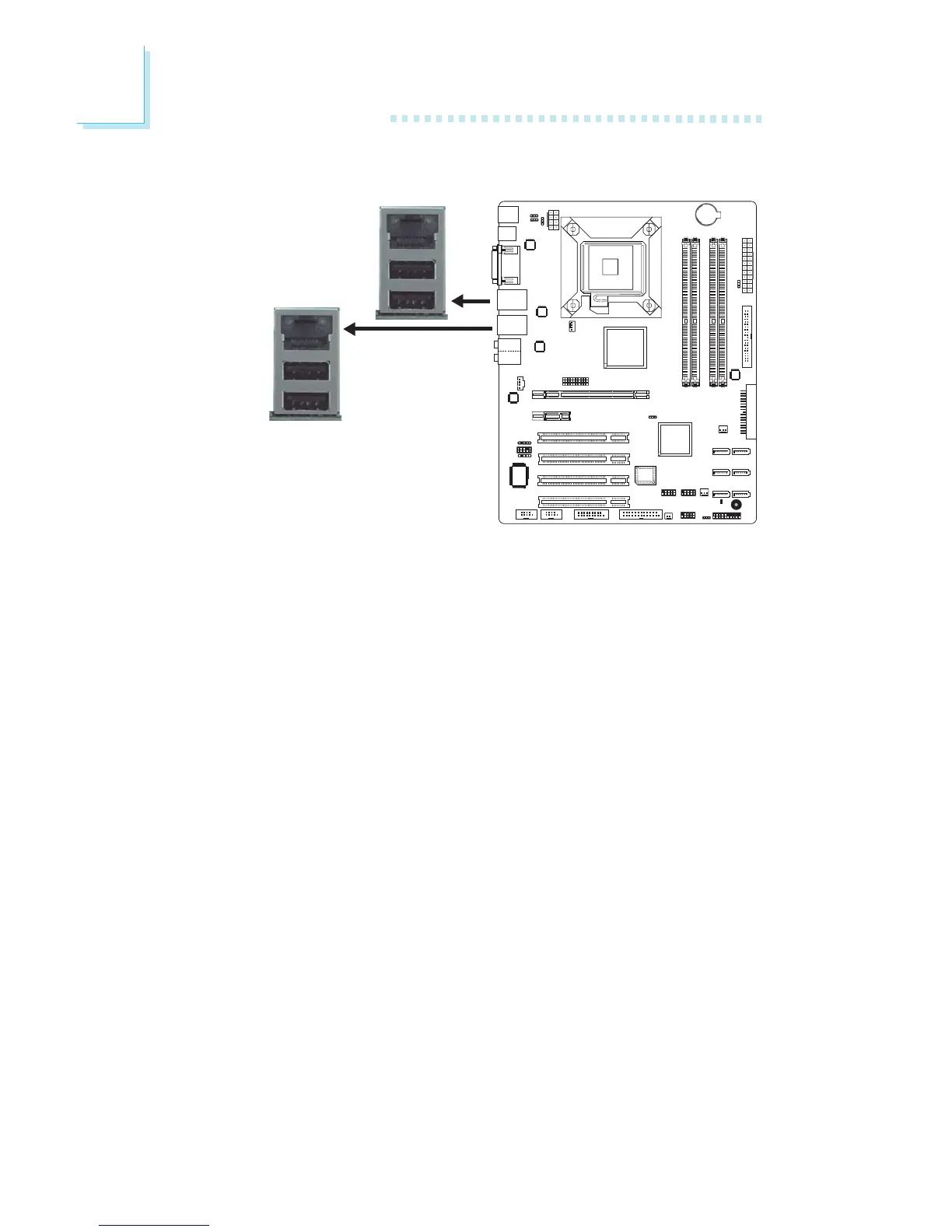
RJ45 Fast-Ethernet Port
The two onboard RJ45 LAN ports at locations CN7 (LAN 1) and
CN11 (LAN 2) allow the system board to connect to a local area
network by means of a network hub.
BIOS Setting
Configure the onboard LAN in the Advanced Chipset Features sub-
menu (“PCI Express Root Port Func” section) of the BIOS. Refer to
chapter 3 for more information.
Driver Installation
Install the LAN driver. Refer to chapter 4 for more information.
LAN 2
LAN 1



 To Next Page