19
2
Hardware Installation
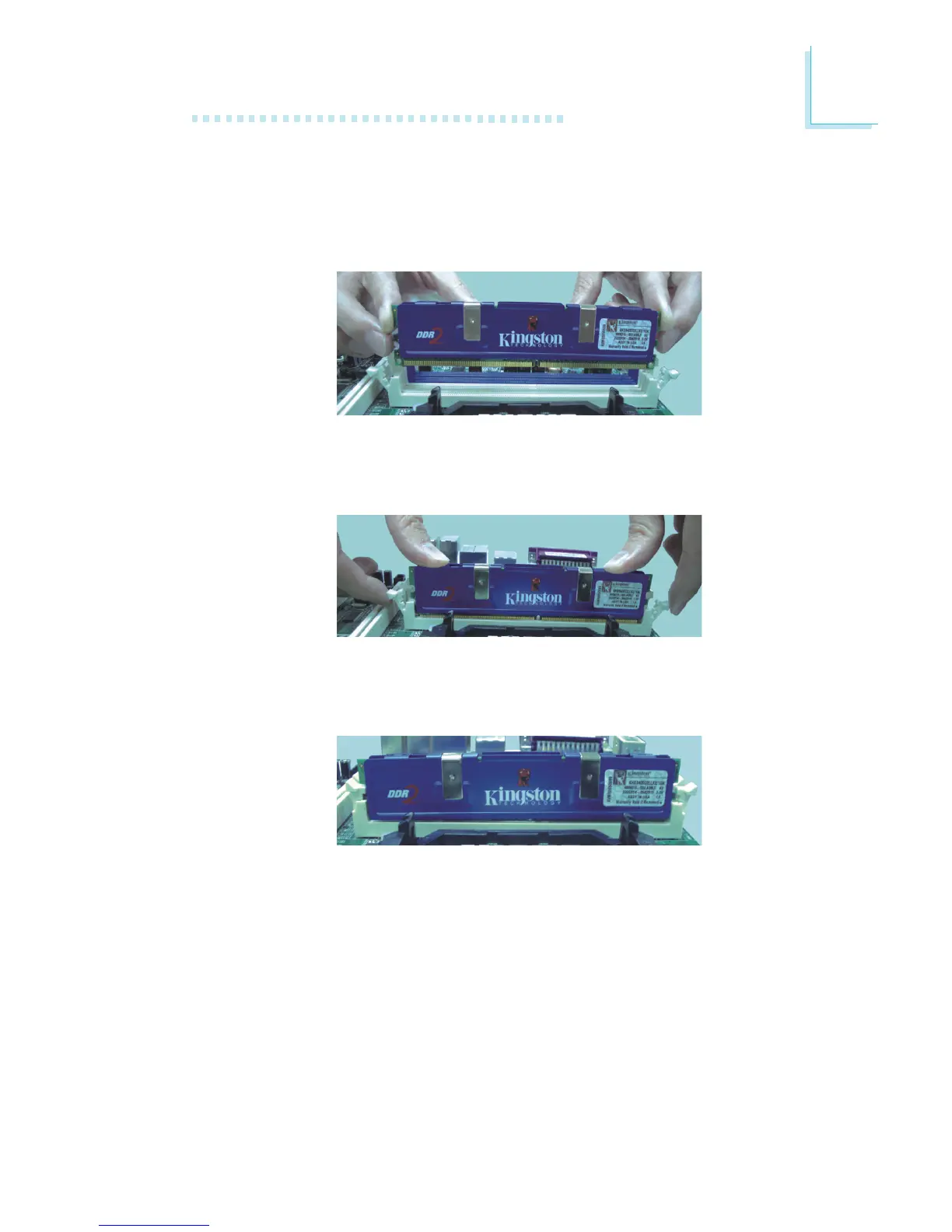
7. Seat the module vertically, pressing it down firmly until it is com-
pletely seated in the socket.
6. Grasping the module by its edges, position the module above
the socket with the “notch” in the module aligned with the “key”
on the socket. The keying mechanism ensures the module can
be plugged into the socket in only one way.
8. The ejector tabs at the ends of the socket will automatically
snap into the locked position to hold the module in place.



 To Next Page